Emoji Categories List: All 10 Unicode Groups Explained

Emojis fall into ten official categories: Smileys & Emotion, People & Body, Component, Animals & Nature, Food & Drink, Travel & Places, Activities, Objects, Symbols and Flags. That is the structure Unicode publishes in its emoji ordering chart, and it is what phone keyboards and emoji libraries are built on. Below you get each category with what it holds, the subcategories that matter, and a practical way to find the emoji you want without scrolling.
TL;DR
- Unicode sorts emojis into ten categories: Smileys & Emotion, People & Body, Component, Animals & Nature, Food & Drink, Travel & Places, Activities, Objects, Symbols and Flags.
- Each category splits into subcategories such as face-smiling, hand-fingers-open, animal-bird or phone, which is where the specific emoji lives.
- Your keyboard may show a slightly different layout than the Unicode chart, and the same emoji can look different on another phone.
- The fastest way to find an emoji is to pick the theme, open the matching category, then narrow by subcategory or search.
Table of Contents
- The ten emoji categories at a glance
- Smileys & Emotion
- People & Body
- Component
- Animals & Nature
- Food & Drink
- Travel & Places
- Activities
- Objects
- Symbols
- Flags
- Why the category on your keyboard may not match Unicode
- Do categories and emojis differ across platforms and versions?
- How to find the right emoji by theme or purpose
- Our perspective
- Browse every category on Emoji Trove
- FAQ
- Sources
The ten emoji categories at a glance
The table below gives the Unicode category name, a plain-language description and a few typical examples. The category names come from the Unicode Emoji 18.0 ordering chart; the descriptions are ours.
| Category | What it holds | Examples |
|---|---|---|
| Smileys & Emotion | Faces, expressions, hearts and emotion symbols | 😀 😍 😭 ❤️ |
| People & Body | Hands, gestures, body parts, people, families | 👋 👍 💪 👨👩👧 |
| Component | Building blocks such as skin tone modifiers and hair styles | 🏽 🦰 |
| Animals & Nature | Mammals, birds, sea life, insects, plants, weather | 🐈 🐦 🌸 🌧️ |
| Food & Drink | Fruit, vegetables, meals, sweets, drinks, utensils | 🍕 🍎 ☕ 🍴 |
| Travel & Places | Vehicles, buildings, landscapes, maps, sky and weather | ✈️ 🚗 🏠 🌋 |
| Activities | Sports, games, events, arts and crafts | ⚽ 🎮 🎉 🎨 |
| Objects | Everyday items: phones, tools, money, clothing, music, office | 📱 💡 🎧 💰 |
| Symbols | Signs, arrows, shapes, zodiac, punctuation, alphanumerics | ✅ ⚠️ ♻️ 🔴 |
| Flags | Country, regional and special flags | 🇺🇸 🏳️🌈 🏁 |
If you count only the categories you scroll through on a phone, you will usually see fewer than ten. Component is a technical group, so most keyboards fold its pieces into other emojis rather than showing it as its own tab.
Smileys & Emotion
This is the group most people open first. It covers every yellow face, from a plain grin to a melting face, plus the heart emojis and the small symbols that express feelings, like 💢 and 💫.
Unicode splits it into subcategories, with names like face-smiling and heart. The face subcategories separate happy faces from affectionate ones, faces with tongues, faces with hands, neutral or skeptical faces, sleepy and unwell faces, and negative ones. The practical benefit: if you want an emoji that is clearly warm but not romantic, you look in face-smiling rather than the whole group.
Hearts live here too, which matters more than it seems. Color choice changes the tone of a message, and we cover it in detail in our guide to what each heart color signals.
People & Body
People & Body holds hands, gestures, body parts, people of different ages, professions, activities and families. Hand gestures are the part people search most. Unicode groups them in subcategories such as hand-fingers-open and family, the latter covering family and couple combinations.
This category is also where skin tone variants apply. One base emoji, for example 👍, can appear in five tones plus the default. Those tone options come from the Component group, which supplies the modifiers that change the base emoji.

Medical and health-related gestures and body parts can be spread across this category and Objects, so if you are after something for a health post, our list of medical emojis to copy saves you the hunt.
Component
Component is the odd one out. It contains the pieces that combine with other emojis rather than standing alone: the five skin tone modifiers and hair style components such as red hair or curly hair. You rarely pick these directly. Your keyboard applies them when you long-press a hand or person emoji and choose a tone.
Developers meet this group more than casual users do. When a family or a person with a specific hair style shows up as separate pieces instead of one image, it is because the software does not recognize how those components join. That is a rendering problem, not a missing emoji.
Animals & Nature
Animals & Nature covers mammals, birds, reptiles, sea creatures, bugs, flowers, plants and some weather. The Unicode subcategory names are literal: animal-mammal, animal-bird, plant-flower and so on, as listed in the ordering chart.
This is a good category to browse by subcategory, because animals are a long list. If you want a pet, look at animal-mammal. If you want something airborne, animal-bird. For single-animal detail, our pages for the cat emoji, the dog emoji, the bird emoji and the owl emoji explain meaning and let you copy in one click.
Plant and flower emojis sit in this group as well, which surprises people who expect them under Food. A 🌹 is nature, a 🌽 is food.
Food & Drink
Food & Drink includes fruit, vegetables, prepared meals, desserts, drinks and the utensils you eat with. Subcategories separate food-fruit, food-vegetable, food-prepared, food-asian, food-sweet, drink and dishware.
Two placement quirks come up often. Cooking tools and tableware sit here, not in Objects. And a drink like coffee is in drink, while a coffee shop would be a building in Travel & Places.
Travel & Places
This group handles anything about getting somewhere or being somewhere: cars, trains, planes, boats, buildings, maps, landmarks, landscapes, hotels, clocks and sky or weather symbols. Subcategories include transport-ground, transport-air, place-building and place-map.
For travel posts, itineraries and location tags, this is the category to open first. Weather symbols are split between here and Animals & Nature, so a ☀️ and a 🌧️ may not sit next to each other depending on the keyboard.
Activities
Activities contains events, sports, games, awards, arts and crafts. Party poppers, trophies, balls of every sport, dice, chess pieces and paint palettes all belong here.
Content creators lean on this group for celebration posts and announcements. It is compact, so scanning the whole thing is faster than searching.
Objects
Objects is the junk drawer of the emoji world, in a good way. It holds phones, computers, light and tools, money, mail, writing and office items, clothing, household items, medical items and musical instruments. The Unicode subcategory list includes phone, money and medical, among many others, as the ordering chart shows.
Because it is so broad, browsing Objects without a goal is slow. Use the subcategory or search by the noun. If you are after anything musical, see our list of music emojis and how to copy them.
Symbols
Symbols covers signs and marks: transport signs, warning signs, arrows, religious and zodiac symbols, keycaps, geometric shapes, colored circles and squares, and alphanumeric marks. Checkmarks, crosses, recycling signs and the red and green circles used as status dots live here.
This group matters for anyone writing structured text, such as checklists, status updates or labels. It is also the home of many emojis that look text-like, which are the ones most likely to render differently across apps.
Flags
Flags includes the chequered flag and other general flags, country flags, and regional flags such as subdivisions. Country flags work by combining two regional indicator letters, which your device displays as a flag image. Some platforms show the two letters instead, which is a rendering choice by the vendor, not a mistake on your end.
Why the category on your keyboard may not match Unicode
Unicode’s categories are a standard for organizing, not a rule every app must copy. The Unicode emoji chart format documentation says major and minor categories can be used to organize related emojis for keyboards, and that the categories are broad and non-exclusive, so a character can match several categories.
In practice that means three things:
- Tab names vary. Your phone might show “Smileys & People” as one tab, merging two Unicode groups.
- Placement varies. An emoji that sits in Objects in the chart might show up in a recents or suggested row first.
- Search wins over browsing. Since categories overlap, searching by keyword often finds an emoji faster than assuming where it was filed.
It also explains why two lists of emoji categories online look different. One shows Unicode’s ten groups; another shows the shorter set of tabs a particular phone uses.
Do categories and emojis differ across platforms and versions?
Yes, in two ways: appearance and availability.
On appearance, Unicode defines the character and its name, but vendors draw their own artwork. As How-To Geek explains, Unicode does not regulate what an emoji looks like, so Apple, Google, Samsung and Microsoft each use their own style. The same 😬 can read friendlier on one phone and more nervous on another. That is why a joke can land differently when sent across devices.
On availability, new emoji arrive with each Unicode version, and a device only shows them once its software supports that version. If someone sends you a brand-new emoji and you see a box or question mark, your system is likely older than the emoji. Each batch of new characters is listed by version; for example, our page on Emoji 16.0 lists every emoji added in that release so you can copy them and check what your device shows.
If you build apps or write emails, rendering gets another layer of complexity. Our guides to using emojis in HTML and making them render in email cover the codes and fallbacks.

How to find the right emoji by theme or purpose
Browsing by category is the quickest way to find a themed set when you know the mood or topic but not the name. A reliable routine:
- Name the theme in one word. “Celebration,” “travel,” “pets,” “money.”
- Map it to a category. Celebration is Activities, travel is Travel & Places, pets are Animals & Nature, money is Objects.
- Narrow by subcategory. Open animal-mammal rather than all of Animals & Nature.
- Check a second category. Because categories overlap, a theme often spans two. A birthday involves Activities (🎉), Food & Drink (🎂) and Objects (🎁).
- Test the look. If the message matters, check that the emoji looks the way you expect on the platform your audience uses.
A few common themes and where to look:
| Theme | Open first | Also check |
|---|---|---|
| Love and affection | Smileys & Emotion (heart, face-affection) | People & Body |
| Work and office | Objects (computer, office) | Symbols |
| Weather | Travel & Places (sky & weather) | Animals & Nature |
| Pets | Animals & Nature (animal-mammal) | Food & Drink for treats |
| Status and warnings | Symbols | Objects |
| Country pride | Flags | Activities |
Teams use the same logic to pick emojis for workplace chat. If you want ideas for putting them to use, there are emoji games for work that rely on recognizing emojis quickly, which is much easier when you know where each kind lives.
Messaging apps add their own conventions on top of Unicode. If you want to decode what people mean in a chat, see what WhatsApp emojis actually mean.
Our perspective
Most people do not need to memorize ten categories. They need to get from a vague idea to the right emoji in a few seconds.
That is how we built Emoji Trove. We organize our library of more than 1,900 emojis by theme, put search next to the category browser, and attach meaning and usage notes to each entry. We designed it that way because the Unicode structure is useful for developers and sorting, while readers think in moods and topics.
Our advice: learn the ten groups once, then lean on subcategories and search. Know that an emoji can fit more than one category. And when meaning matters, read the note before you paste, because a symbol that looks harmless in one app can read differently in another.
Nkosi
Browse every category on Emoji Trove
If you would rather click than read lists, our library puts the categories above in one searchable place. Pick a theme, copy an emoji in one click and read what it means before you send it.
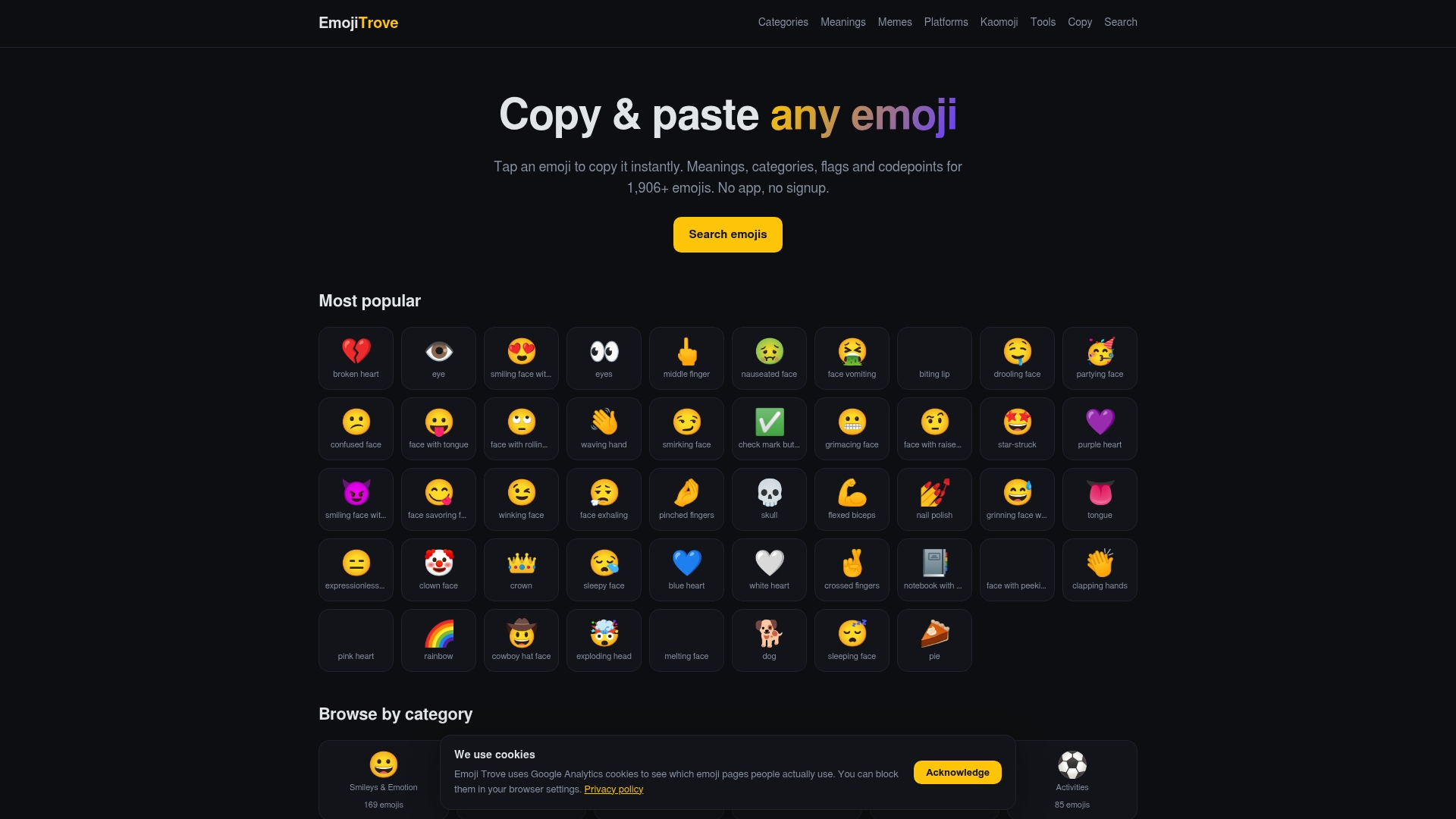
Start at the Emoji Trove library, or open a specific page such as the eye emoji or the clown emoji meaning to see how we explain an individual character. For ready-made themed sets, see our curated emoji combinations.
FAQ
How many emoji categories are there?
Unicode lists ten: Smileys & Emotion, People & Body, Component, Animals & Nature, Food & Drink, Travel & Places, Activities, Objects, Symbols and Flags, according to the Unicode ordering chart. Many phone keyboards show fewer tabs because they merge groups or hide Component.
What are subcategories in emoji lists?
Subcategories split each main category into smaller themes. Smileys & Emotion includes face-smiling and heart, People & Body includes hand-fingers-open and family, and Animals & Nature includes animal-bird and plant-flower. They help you narrow a long category quickly.
Can one emoji belong to more than one category?
Unicode describes its categories as broad and non-exclusive, so a character can match more than one, according to its emoji chart format page. Each emoji has one place in the official ordering, but keyboards and libraries can surface it under related themes too.
Why does an emoji look different on my friend’s phone?
Unicode defines the character, but each company draws its own version, so Apple, Google, Samsung and Microsoft designs differ, as How-To Geek notes. The meaning stays the same, while the mood of the face or detail can shift.
Why do I see a box instead of an emoji?
Your device likely does not support the Unicode version where that emoji was added. Updating your operating system usually fixes it. Our Emoji 16.0 page shows what a recent batch looks like.
Sources
- Emoji Ordering, v18.0 (Unicode)
- Unicode Emoji Chart Format
- That Emoji Might Not Look the Same On Your Friend’s Phone (How-To Geek)