Music Emojis: The Full List, Meanings, and How to Copy Them
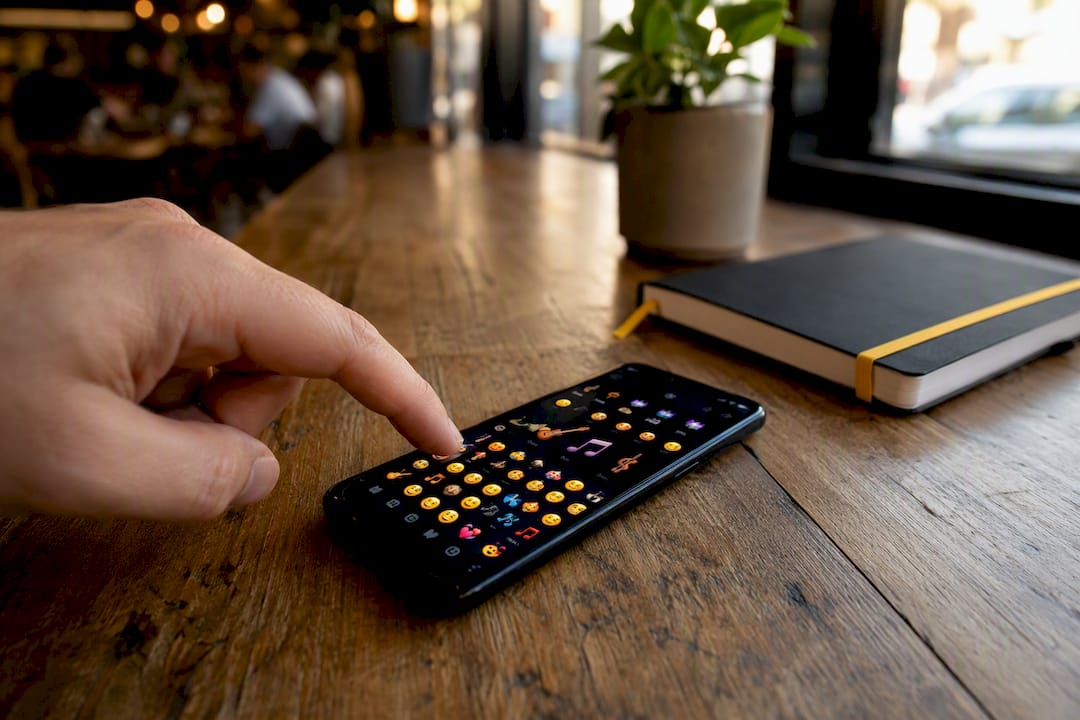
Use 🎵 🎶 🎼 🎸 🎹 🎤 🎧 🥁 🎻 for nearly any music-related message, and copy them straight from EmojiTrove’s copy page or your device’s built-in emoji picker. Those nine cover most situations: a single note for something musical in general, multiple notes for songs playing, a musical score for composing or sheet music, then the instruments and gear when you need to be specific.
A quick heads-up before you start pasting: not everything that looks like a music symbol is actually an emoji. Some, like the treble clef, are plain Unicode text characters that render differently depending on the device and font. More on that distinction below.
Here’s the shortlist to start with:
- 🎵 Musical Note — general music reference
- 🎶 Multiple Musical Notes — songs, playlists, singing
- 🎼 Musical Score — composing, sheet music, orchestras
- 🎸 Guitar — rock, acoustic sets, practice posts
- 🎹 Musical Keyboard — piano, keyboard, production
- 🎤 Microphone — singing, karaoke, interviews
- 🎧 Headphone — listening, DJ content, focus playlists
- 🥁 Drum — percussion, beats, live performance
- 🎻 Violin — classical, strings, orchestral music
Key Takeaways
Choosing the right music emoji comes down to matching the glyph’s actual meaning and Unicode presentation to your platform and tone, not just grabbing whatever looks musical.
| Point | Details |
|---|---|
| Start with the core nine | 🎵 🎶 🎼 🎸 🎹 🎤 🎧 🥁 🎻 cover almost every music-related message. |
| Match note count to tone | Use 🎵 for general references, 🎶 for lively or social posts, 🎼 for formal or technical ones. |
| Check emoji presentation first | Confirmed emoji like U+1F3B5 render in color everywhere; plain symbols like the treble clef may not. |
| Cap captions at two emojis | More than that clutters the message and slows down screen readers for accessibility. |
| Copy directly from EmojiTrove | The copy and paste page gives instant access to all 1,900+ emojis, including the full music set. |
Table of Contents
- The Full Music Emojis List: Notes, Instruments, and Symbols
- What Each Music Emoji Actually Means
- Why Music Emojis Look Different on Every Device
- How to Copy and Type Music Emojis Anywhere
- Caption Templates That Actually Use These Emojis
- Where EmojiTrove Fits Into Your Music Emoji Search
- What Most Advice on Music Emojis Gets Wrong
- Copy Your Next Music Emoji in Seconds
- Sources
- FAQ
The Full Music Emojis List: Notes, Instruments, and Symbols
A searchable inventory beats scrolling through your phone’s emoji drawer one row at a time. Below is a grouped rundown of the music emojis and music symbol emojis you’ll actually reach for, organized by category so you can find what you need without hunting.
Notes and scores are your general-purpose music signals. They don’t specify an instrument or activity, so they work almost anywhere music comes up.
- 🎵 — MUSICAL NOTE, U+1F3B5 — best for a quick, general music reference
- 🎶 — MULTIPLE MUSICAL NOTES, U+1F3B6 — best for songs, playlists, or dancing
- 🎼 — MUSICAL SCORE, U+1F3BC — best for composing, sheet music, orchestras
Instrument emojis cover the bands and solo acts. FileFormat.info’s instrument emoji listing documents the full code point range, which is handy if you’re building anything that needs exact Unicode references.
Audio gear emojis signal listening, recording, and sharing rather than performing.
- 🎧 — HEADPHONE, U+1F3A7 — best for listening, DJ sets, focus playlists
- 🔊 — SPEAKER HIGH VOLUME, U+1F50A — best for sharing or blasting a track
- 📻 — RADIO, U+1F4FB — best for throwback vibes, broadcasts, retro posts
- 💿 — OPTICAL DISC, U+1F4BF — best for albums, CDs, old-school releases
- 📀 — DVD, U+1F4C0 — best for video albums or visual music content
People and roles put a face on the music, which is useful when the post is about a performance rather than the sound itself.
- 🎤 — MICROPHONE, U+1F3A4 — best for singing, karaoke, interviews
- 🕺 — MAN DANCING, U+1F57A — best for dance floors, party posts
- 💃 — WOMAN DANCING, U+1F483 — best for dance floors, celebration
- 🎙️ — STUDIO MICROPHONE, U+1F399 — best for podcasts, recording sessions
Decorative music symbols round things out, but this is where rendering gets inconsistent. The treble clef (𝄞, U+1D11E) sits in Unicode’s Musical Symbols block rather than the emoji set, so according to Codepoints’ entry on the G clef, it isn’t guaranteed to display as a colorful graphic. Whether it shows up as art or as plain monochrome text depends entirely on the device’s font support. The eighth note symbol (♪, U+266A) behaves the same way. If you want a note symbol that reliably renders as a bright, recognizable emoji across platforms, U+1F3B5 or U+1F3B6 are safer bets than the raw Unicode musical symbols.
For a text-based alternative, EmojiTrove’s music and dance kaomoji collection offers Japanese-style emoticons that render identically everywhere since they’re built from standard keyboard characters.
What Each Music Emoji Actually Means
The single note, the triple note, and the musical score aren’t interchangeable, even though they all mean “music” in a loose sense. Picking the right one changes how your message reads.
🎵 (single note) reads as understated and general. It’s the emoji you use when you want to gesture at “something musical” without committing to a mood. Think “new episode 🎵” for a podcast drop.
🎶 (multiple notes) feels livelier and more social. It’s the go-to for playlists, dancing, sing-alongs, or anything with energy behind it. “Road trip playlist locked in 🎶” hits differently than the same caption with a single note.
🎼 (musical score) leans formal or technical. Use it when you’re talking about composing, arranging, or sheet music rather than just listening. It shows up a lot in classical music posts and production content.
Combining emojis tells a more specific story than any single glyph can:
- 🎵 + 🎤 signals singing or vocal performance
- 🎶 + 🔊 signals sharing or blasting a track
- 🎸 + 🎵 signals practicing or playing an instrument
- 🎧 + 🥁 signals a DJ set or beat-making session
Tone matters too. A playful caption pairs 🎶 with 💃 or 🕺. A professional post about a release or booking leans on 🎼 or 🎹 alone, without extra decoration. Romantic or nostalgic captions often pair 🎵 with 💿 or 📻 to evoke a specific memory or mood, the way wikiHow’s guide to music emoji meanings breaks down for everyday messaging.
Pro Tip: If you’re announcing a release or a show professionally, skip the dancer emojis. One well-placed 🎼 or 🎹 reads more credible than a string of five different music glyphs.
Why Music Emojis Look Different on Every Device
Not every music symbol renders the same way twice, and that comes down to how Unicode classifies each character. Emoji code points like U+1F3B5 carry what’s called “emoji presentation” by default, meaning operating systems are expected to display them as full-color graphics. According to Codepoints’ record for U+1F3B5, the musical note was added in Unicode 6.0 back in 2010 and is explicitly designated as an emoji, which is why it shows up as colorful art on virtually every modern phone and app.
Text-only symbols work differently. Characters like the treble clef (U+1D11E) live outside the standard emoji blocks, so fonts aren’t obligated to render them in color. You can force presentation either direction using variation selectors. Adding U+FE0E after a character requests plain text (monochrome) presentation, even for glyphs normally shown as emoji, according to Codepoints’ entry on VS15. The opposite selector, VS16, pushes toward emoji-style color rendering when a character could go either way.
If you’re designing something where color matters, like a social graphic or app icon, stick to confirmed emoji code points such as U+1F3B5 or U+1F3B8. If you want a minimal, monochrome look for print or a narrow-font interface, a plain Unicode symbol like the treble clef will usually serve you better than fighting an emoji font to look plain.
The practical rule: for social posts, captions, and messaging, emoji-designated code points are the safe choice. For print or clean typographic layouts, plain Unicode symbols often look sharper.
How to Copy and Type Music Emojis Anywhere
Getting a music emoji into your message takes seconds once you know where to look.
- On iOS or Android, tap the emoji key on your keyboard (a smiley or globe icon), search “music” or “guitar,” and tap the result.
- On Windows, press
Win + .(period) to open the built-in emoji picker and search by keyword. - On Mac, press
Ctrl + Cmd + Spaceto bring up the same kind of picker. - For web pages, use the HTML entity
🎵or the raw UTF-8 character directly in your code, both of which point to U+1F3B5. - On Slack or Discord, type a colon plus a keyword (like
:musical_note:) and the platform’s own emoji picker will suggest matches, though rendering can vary by platform since some apps use custom emoji sets instead of your device’s native font.
Caption Templates That Actually Use These Emojis
A blank caption box is the enemy of momentum. Here are ready-to-use lines for common music posts:
- “New playlist just dropped 🎶🎧 link in bio”
- “Studio session all night 🎹🎤”
- “Who’s ready for the show tonight? 🎸🥁”
- “Karaoke night, come embarrass yourselves with me 🎤🎶”
- “Album’s finally out 💿🎼 three years in the making”
- “Practice makes progress 🎻🎵”
- “Concert tickets secured 🎫🎶 counting down the days”
- “Sunday morning jazz and coffee ☕🎷”
- “This song has been on repeat all week 🎵🔁”
- “Band practice ran late again 🥁🎸”
Placement matters more than people think. Leading with an emoji (like starting a caption with 🎶) grabs attention in a crowded feed. Inline emojis, dropped mid-sentence, work well for emphasis without breaking reading flow. Closing with one or two emojis, rather than opening or scattering them, tends to read as the most polished option for professional accounts.
Pro Tip: Two emojis per caption is usually the ceiling for a clean, readable post. Stack five or six and you risk looking cluttered, and screen readers used for accessibility will announce every single one, which slows down the experience for anyone using assistive tech. Pair emojis with actual descriptive text rather than letting them carry the whole message.
Where EmojiTrove Fits Into Your Music Emoji Search
Finding the right glyph fast matters more than owning a giant list nobody can navigate. EmojiTrove’s library holds over 1,900 emojis organized by theme, with a dedicated search function built specifically to skip the scroll-and-hunt problem most emoji keyboards create.
A few places worth bookmarking:
- The emoji meanings page for longer explanations when you need to double-check tone before posting
- The platform guide for rendering differences across iPhone, Android, TikTok, and Discord
What Most Advice on Music Emojis Gets Wrong
Most guides treat every music glyph as interchangeable, as if 🎵 and 🎼 send the same signal. They don’t, and that distinction gets lost constantly in generic listicles that just dump forty emojis in a grid with no context.
The bigger blind spot is Unicode rendering. Plenty of people copy a treble clef or an eighth note symbol from some random webpage, paste it into a social caption, and wonder why it shows up as a tiny black-and-white glyph instead of the colorful icon they expected. That’s not a bug. Characters like U+1D11E were never designed as emoji in the first place, so no font is under any obligation to color them in.
If there’s one thing worth prioritizing over everything else in this guide, it’s checking whether a symbol carries actual emoji presentation before you build a whole campaign or bio around it. A single note (🎵) and a triple note (🎶) will never fail you across platforms. A treble clef might, depending entirely on whose screen it lands on. Know that difference before you commit to it in something permanent, like a username or a printed flyer.
— Nkosi
Copy Your Next Music Emoji in Seconds
Skip the keyboard hunt. EmojiTrove’s copy and paste tool puts every music emoji in this guide (and hundreds more) one search away, with a click-to-copy button that skips the fiddly long-press menus on most phone keyboards.
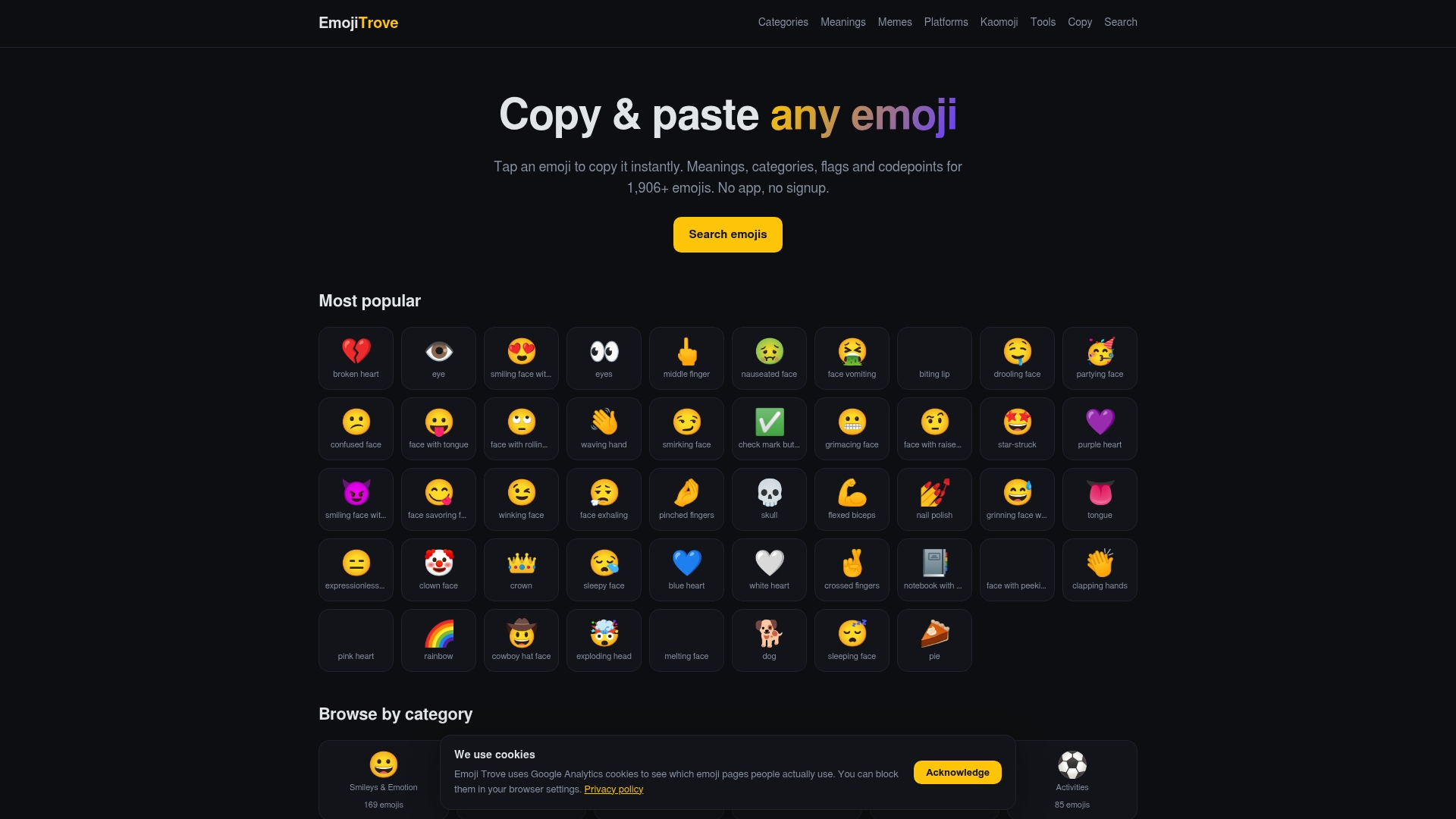
If you’re building bulk content, managing multiple social accounts, or need text symbol conversions alongside your emoji picks, the emoji tools page adds a translator and text symbol generator to the mix, useful for anyone posting across several platforms in one sitting. Search for what you need, click to copy, and paste it straight into your next caption, comment, or bio. No app download, no sign-up, no ads blocking the glyph you actually came for.
FAQ
What Are the Most Popular Music Emojis?
🎵, 🎶, and 🎼 top the list for general use, followed by 🎸, 🎤, and 🎧 when you need to reference a specific instrument or activity.
Is the Treble Clef an Emoji?
Not technically. The treble clef (U+1D11E) sits in Unicode’s Musical Symbols block rather than the emoji set, so it may render as plain monochrome text depending on the device and font.
How Do I Copy a Music Emoji Fast?
Search for it on EmojiTrove’s copy page and click to copy, or use your device’s built-in emoji picker (the globe or smiley key on mobile, Win + . on Windows, Ctrl + Cmd + Space on Mac).
What’s the Difference Between 🎵 and 🎶?
🎵 is a single note used for general music references, while 🎶 shows multiple notes and tends to read as more energetic, fitting for playlists, dancing, or sing-alongs.
Will Music Emojis Look the Same on Every Phone?
Confirmed emoji code points like U+1F3B5 render consistently as color graphics across modern devices, but plain Unicode symbols and some platform-specific emoji sets on apps like Slack or Discord can display differently.