Emoji Text Art: How to Copy, Make and Share It

Emoji text art is a picture, banner or pattern built from emojis, symbols and line breaks, then pasted as plain text into a message, comment or post. You copy it like any other text, and it works anywhere text works. The catch is that it can look different from app to app, and screen readers handle it badly. This guide shows you how to copy it, build your own, and share it so it still looks right and stays readable.
TL;DR
- Emoji text art is made of typeable characters and emojis arranged in rows. Select, copy and paste it, and it travels as text.
- A single emoji is one character. ASCII art uses only the 128 standard ASCII characters. Emoji text art mixes emojis and symbols and leans on color.
- Each device draws emojis with its own artwork, so spacing and alignment can shift. Test the art in the app you will post in.
- Screen readers may read text art character by character. Add a plain-language description when you share it.
- Find individual emojis fast on our emoji copy and paste page, then arrange them into your design.
Table of Contents
- What emoji text art is, and what it is not
- Why people use it
- How to copy, paste and share emoji text art
- Emoji text art ideas by theme
- How to build your own emoji text art
- Why emoji text art looks different on different devices
- Make your emoji text art accessible
- Our perspective
- Build your design from the library
- Quick checklist before you post
- FAQ
- Sources
What emoji text art is, and what it is not
Text art is visual art made from typeable characters: letters, punctuation and symbols arranged to look like an image or a decorative banner. Most people who search for it mean the copy-and-paste kind, because it works anywhere you can type.
Three things get confused:
- A single emoji. One character, such as a heart or a cat face. It has a name and a meaning, and your device draws it as a small picture.
- ASCII art. ASCII art uses the 128 standard ASCII characters to make images, and a fixed-width font helps it carry between devices cleanly. It is mostly slashes, dots, hashes and letters.
- Emoji text art. Rows of emojis and decorative symbols, often with line breaks, forming a shape, a scene or a repeating border. Because emojis are colored, the art looks like a mosaic rather than a line drawing.
Kaomoji, the Japanese emoticons such as faces built from punctuation, sit in between. They are small text art pieces and often get mixed into emoji designs as a finishing touch.
Why people use it
The most common uses are simple:
- Decorative dividers and borders for captions and bios.
- Greeting designs for birthdays, holidays and love notes.
- Small scenes, such as a garden of flowers or a row of stars, for comments and chat.
- Themed banners for posts: food, animals, music, art, travel.
- Headers for announcements or product drops.
Marketers use them to make a post stand out in a crowded feed. Content creators use them as visual separators. Most people just want a cute message to send a friend.
How to copy, paste and share emoji text art
The mechanics are the same on every device, because the art is only text.
- Select all of the art. Start before the first character and end after the last one, including the final line break. If you miss a line break, rows will merge.
- Copy it. Use your device’s copy command: long-press and choose Copy on a phone, or Ctrl+C or Cmd+C on a computer.
- Paste it into your message, comment or post. Use the paste command in the text field.
- Check the preview before sending. If the platform shows one, look for broken rows, missing characters or empty boxes.
- Send it.
If you are building from individual emojis, our emoji copy and paste library lets you search, tap and copy over 1,900 emojis, so you can collect the ones you need and paste them into one draft. Our emoji search tips help when you cannot remember an emoji’s name.
Where it tends to break
- Comment boxes that trim spaces or line breaks. Rows collapse into one long line.
- Platforms with character limits. A tall design can run past the limit, and the end gets cut off.
- Email. Some mail clients render emojis differently or swap them for boxes. See our guide to making emojis render in email.
- Platform-specific behavior. Some apps have their own quirks. Our emojis by platform pages cover the differences across apps and devices.
Emoji text art ideas by theme
Themes make art easier to build, because you pick from one family of emojis and the result looks consistent. Browsing by category is faster than scrolling; our emoji categories list explains the ten Unicode groups the library follows.
Cute and love designs
Hearts, sparkles, flowers and soft-colored animals work best. A heart border around a short message is the classic. Mixing two heart colors in alternating order gives a pattern with almost no effort.
💗💗💗💗💗💗💗
💗 Happy Day 💗
💗💗💗💗💗💗💗
Animal and nature scenes
Animals plus plants make tiny scenes: a row of grass, a few flowers, one animal in the middle. Keep rows the same length so the scene stays rectangular.
🌱🌱🌱🌱🌱🌱🌱
🌸🐝🌸🌼🐝🌼🌸
🌱🌱🌱🌱🌱🌱🌱
Artist and creative themes
Pencils, brushes, palettes and stars suit creative bios and portfolio posts. Symbols such as stars and swirls add a handwritten feel. Combine them with a short line of text on its own row.
Food, music and celebration
Food emojis make banners for recipes and menus. Music notes and microphones suit event announcements. Party emojis fit birthdays. Pick three or four emojis at most per design; more starts to look noisy.
For ready-made pairings, see our emoji combinations, which are chosen with cross-device rendering in mind.
How to build your own emoji text art
You need no special software, just a notes app or the text box you will post in.
Step 1: Pick a shape and a size
Start small: a 5 by 5 or 7 by 3 grid. Square and rectangular shapes survive best, because rows of equal length line up even when emoji widths vary slightly.
Step 2: Choose a palette of two to four emojis
One emoji for the main shape, one for the background and one accent is enough. Same-colored emojis from the same category look cleanest together.
Step 3: Draw it row by row
Paste your emojis in a row, press Enter, then do the next row. Keep the number of emojis per row identical. Avoid regular spaces for alignment: space width differs between fonts, which is the usual reason art looks crooked on another device.
Step 4: Add text and symbols last
Put words on their own line, framed by rows of emojis above and below. Decorative symbols work as dividers. Our emoji tools include text symbols and generators if you want extra characters beyond emojis.
Step 5: Test where it will live
Paste it into the real app, a draft post or a chat with yourself. Check on a phone and a computer if you can. Fix any row that wraps.
A worked example
Say you want a birthday banner for a comment. Pick 🎂 as the accent, 🎈 as the main emoji and ✨ as the background. Make three rows of seven. Row one is all 🎈, row two alternates ✨ and 🎂, row three is all 🎈. Put “Happy Birthday” between rows one and two on its own line if the platform allows it, or below if it does not. The final result is a symmetrical banner that reads at a glance and fits within most comment limits.

Why emoji text art looks different on different devices
Emojis are Unicode characters, not images. Unicode defines the structure of emoji characters and sequences, including selectors that request text or emoji presentation. Your device then draws each one using its own font and artwork. Emojis are encoded, for example as UTF-8, and rendered as images by devices that support them. Some are multi-character sequences that still display as a single image when supported.
This has practical effects on art:
- Different artwork. A heart on one phone is a slightly different size and shade on another. A design based on color contrast may look softer or harsher.
- Newer emojis may not appear. An older device can show a box or a fallback pair of characters for a recently added emoji. Our emoji versions pages list what was added in each release, so you can avoid the newest ones for wide audiences.
- Sequences can split. A multi-part emoji on an unsupported system may show as separate pieces and add width to a row.
- Fonts change spacing. Alignment based on spaces is the first thing to go.
The safest design uses long-established emojis, equal-length rows and no space-based alignment. If you publish art on a web page, our guide to emoji in HTML covers characters, codes and the setup that makes them render properly.
Make your emoji text art accessible
This is the part most guides skip. Screen reader users hear emoji art very differently from how sighted users see it.
Screen reader guidance warns that text art can be confusing because it is made of many characters and spaces. The W3C technique suggests giving a text explanation of what the picture shows. It also notes that emojis have predefined names that may not match your intent, and that a suitable emoji or word is a better choice than emoticon-style faces where possible.
A US university accessibility office is blunter for social media: it advises avoiding text art because screen readers read each character individually. The same page recommends real bullet lists rather than emojis as bullets.
A UK disability charity’s business guidance agrees that text art made with special characters is hard for screen readers, and suggests a screenshot with alt text if you want the effect and need accessibility.
What to do in practice:
- Describe it. Put one plain sentence above or below the art, for example “Birthday banner with balloons and sparkles.” Screen reader users then know what they are skipping.
- Keep it short. A five-emoji border is far less tiring to hear than a 20-row picture.
- Do not put the message inside the art. Keep the important words in normal text on their own line.
- Use real lists for lists, not emoji bullets.
- On a web page, label the art as one image. MDN documents using role=“img” with an aria-label to convey the overall meaning, and notes that some screen readers may read the label twice.
- Use an image with alt text when the look matters more than copyability.
One more point about tone: when art goes into direct messages and chats, the words around it matter as much as the decoration. Guidance on avoiding cringe in AI chat shows how example lines set the tone of a conversation, which is a useful lens for deciding how much decoration a message needs.
Our perspective
Emoji text art succeeds when the emojis are chosen well. Most of the effort in a design is not the arrangement but finding the right pieces: the heart in the right color, the animal that fits the scene, the symbol that closes a border.
That is why we built Emoji Trove around fast search and clear categories. You should not have to scroll through endless options to find one small symbol. With over 1,900 emojis organized by theme, a search box and instant copy, collecting the parts for a design takes minutes.
We also think meaning matters. An emoji can carry a different tone than you expect, so we publish meanings, uses and Unicode data next to each one, plus guidance on how devices and platforms treat them. A design that looks charming on your phone should also make sense to the person receiving it, and to people using assistive technology.
Our advice is simple: keep designs small, use well-established emojis, describe your art in a plain sentence, and test it in the place you will post it.
Nkosi
Build your design from the library
If you are ready to make something, start with the parts. Emoji Trove has over 1,900 emojis you can search, browse by theme and copy with one tap, along with meanings and Unicode details so you pick the right one.
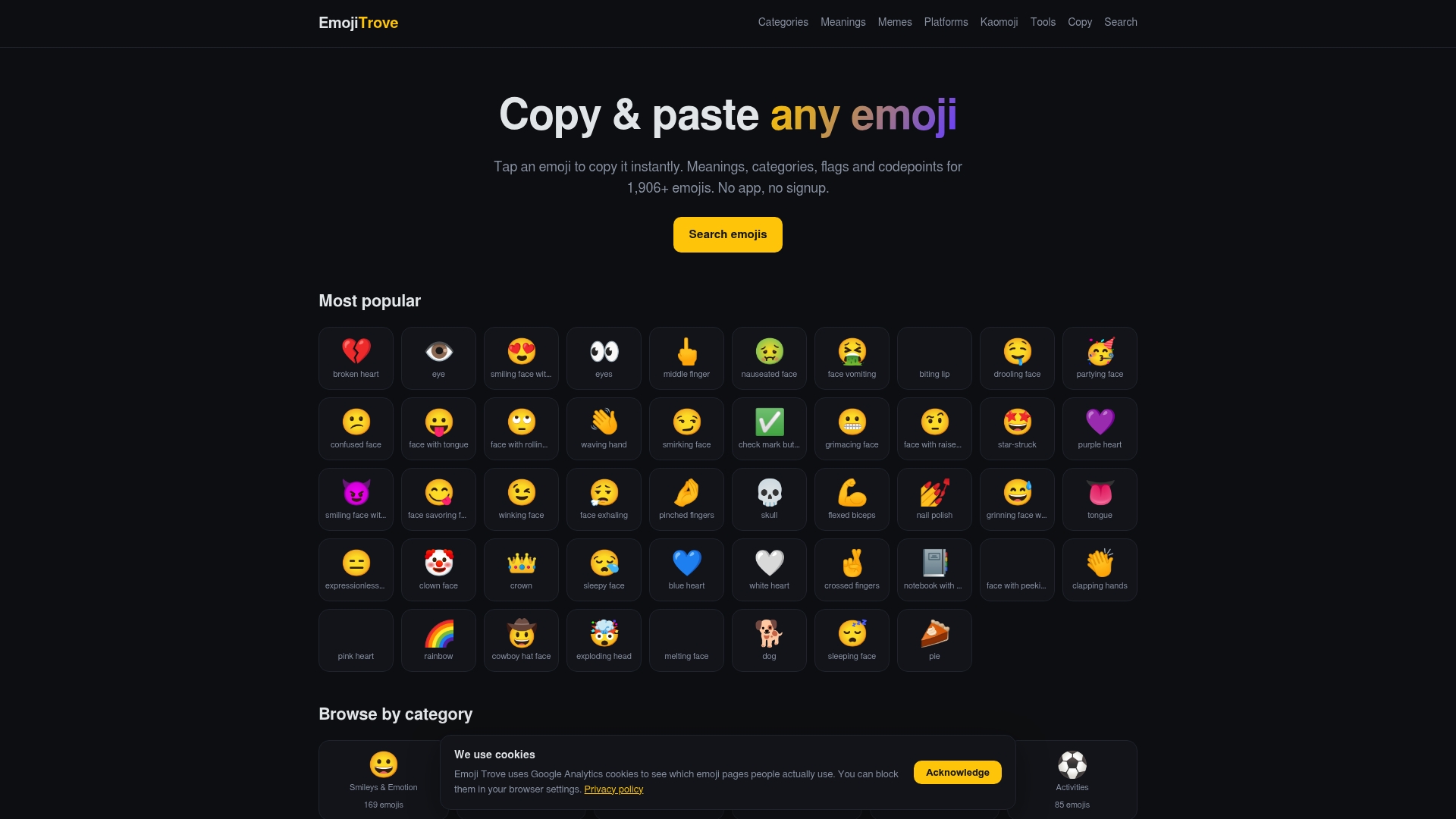
Open the emoji copy and paste page to collect your palette, check an emoji’s tone in the emoji meanings section, or look through our articles for more guides on using emojis well.
Quick checklist before you post
- Rows are equal in length and use no space-based alignment.
- You used established emojis, not the very newest ones.
- You pasted it into the real app and checked the preview.
- The key message is in plain text on its own line.
- A one-sentence description sits next to the art.
- The design fits the platform’s character limit.
FAQ
What is the difference between emoji art and ASCII art?
ASCII art is limited to the 128 standard ASCII characters, so it is built from letters, digits and punctuation. Emoji art uses emojis and often decorative symbols, which brings color and small pictures into the design. Both are text, so both can be copied and pasted.
Why does my emoji art look crooked after I paste it?
Usually the cause is spacing or font differences. Different apps draw emojis at slightly different widths, and spaces vary by font. Use equal numbers of emojis per row, skip spaces for alignment, and test in the app where you will post.
Can I use emoji text art on social media?
Yes, it pastes as text in most posts, comments and messages. Short designs are the safest. Because screen readers can read text art character by character, add a plain description, and keep your key message in normal text.
Do all devices show every emoji?
No. Emojis are Unicode characters, and each device renders them with its own support. Newer emojis may appear as boxes on older systems. Our emoji versions pages show when each emoji arrived.
Sources
- Text Art: How to Make ASCII & Unicode Text Art
- An In-Depth Guide to ASCII Art, Adobe
- UNICODE EMOJI (UTS #51 draft)
- All About Emojis & How They Work, Mattermost
- H86: Providing text alternatives for emojis, emoticons, ASCII art, W3C
- Social Media, Campus Accessibility and ADA
- ARIA: img role, MDN
- How special characters affect screen readers, Scope for Business