Emoji Usernames: Ideas, Rules and How to Make Them Work

Most platforms let you put emojis in your display name but not in your actual username. Discord, Snapchat and Bungie all draw that line a little differently, so the first step is to know which field you are filling in. After that, the fun part: pick two or three emojis that say something about you, pair them with a short readable name, and check that they show up properly on every device.
This guide covers the rules on a few major platforms, 40+ ideas sorted by style, a simple formula for combining emojis with a name, and the accessibility and searchability checks that keep a name from turning into a row of blank boxes.
TL;DR
- A username and a display name are usually different fields. On Discord and Snapchat, emojis are allowed in the display name only.
- Keep it to one to three emojis, placed at the start or end of the name, never in the middle of a word.
- Pair the emojis with a plain, readable word or name so people can type, say and search for you.
- Copy emojis from a library, paste them into the field, then view the result on a phone and a desktop before you commit.
- Pick emojis that match your niche: a theme gives the name meaning, and random decoration only adds noise.
Table of Contents
- Username or display name: where emojis actually work
- Emoji username ideas by style
- A simple formula for combining emojis with a name
- Make it readable: accessibility checks
- Make it findable: searchability
- Copy, paste and test your name on every device
- Common mistakes to avoid
- Our perspective
- Find your emoji set on Emoji Trove
- FAQ
- Sources
Username or display name: where emojis actually work
The single most common mistake is trying to paste an emoji into a field that rejects it. Many services now split your identity in two. The username (or handle) is the unique, typeable ID. The display name is the friendly label other people see, and it is far more flexible.
Here is what three official help pages say:
| Platform | Username rules | Display name rules |
|---|---|---|
| Discord | Only a–z, 0–9, underscores and periods | 1–32 characters, can include special characters, spaces and emojis |
| Snapchat | 3–15 characters, Latin letters, numbers and one of -, _ or .; no emojis | Up to 30 characters, can include letters, numbers, emojis and most special characters |
| Bungie (Destiny 2, Marathon) | Emojis, pictographs and miscellaneous symbols are prohibited in player names | Not applicable |
The details come from Discord’s page on usernames and display names and Snapchat’s guide to changing your username. Snapchat also says a username must start with a letter and end with a letter or number.
Bungie goes further. Its Name Guide says names containing characters that cannot be displayed in-game or typed on a console’s virtual keyboard get filtered to a placeholder that reads “Redacted” followed by a random number. Gaming platforms in general are often stricter than social apps, because players type names on consoles and controllers.
The practical takeaway:
- Look for a separate display name, profile name or nickname field. That is where emojis usually live.
- Make the real username clean and simple, with letters, numbers and an underscore or period if allowed.
- Read the platform’s own help page before you invest in a name. Rules change, and what works today on one app may not on another.
If a platform accepts emojis in only one place, you can still build a strong identity: a short, memorable handle plus an emoji-decorated display name that people see in chats and comments.
Emoji username ideas by style
These are starting points, not rules. Swap in your own name, nickname or niche word. Each idea uses one to three emojis, which is the range that stays readable. You can find any of them in our emoji copy and paste library.

Cute and soft
These lean on hearts, sparkles, stars and pastel objects.
- Mochi 🍡
- ✨ Luna ✨
- Bunny 🐰💗
- 🍓 Strawberry Milk
- Cloudy ☁️
- 🧸 Teddy Tara
- Pixie 🌸
- Peachy 🍑✨
Aesthetic and minimal
One symbol next to a lowercase or short name feels calm and tidy.
- 🌙 Noor
- Mira 🤍
- 🕊️ Wren
- Fern 🌿
- Ivy 🪷
- 🖤 Onyx
- Sage 🍃
- Willow 🌾
Gaming and competitive
Swords, flames, skulls and controllers signal attitude at a glance. Remember that many games will not accept them in the in-game name, so use them in a Discord or stream display name instead.
- ⚔️ Ravenclaw
- Blaze 🔥
- 🎮 PixelPilot
- NightOwl 🦉
- 💀 Reaper
- ZeroLag ⚡
- 🐉 DragonByte
- Shadow 🥷
Foodie and cozy
Food emojis are instantly friendly and easy to remember.
- Taco Tuesday 🌮
- 🍜 NoodleNerd
- Sourdough 🍞
- 🍵 MatchaMoments
- Brunch Club 🥞
- Pizza Pal 🍕
- Boba Babe 🧋
- 🍪 CookieCrumbs
Nature, animals and travel
Ideal for hikers, pet accounts and photographers.
- 🦊 Foxglove
- WanderWolf 🐺
- 🌊 SaltAndSurf
- Mountain Mia ⛰️
- 🐢 SlowTurtle
- Sunset Chaser 🌅
- 🦋 Flutter
- TrailTales 🥾
Creator and professional
If the name is attached to a brand, use a single emoji that signals what you do, and keep the name itself formal.
- Jordan | Design 🎨
- Priya Writes ✍️
- 📸 Lena Frames
- Marcus Codes 💻
- Coach Dee 💪
- Studio Nova 🎬
- 🎧 Podcast Pete
- Maya Marketing 📈
Want themed sets instead of single picks? Browse the groups in our list of all Unicode emoji categories and choose one category that matches your niche.
A simple formula for combining emojis with a name
A name with emojis works best when it follows a pattern people can parse in one glance. Try this:
[Emoji] + [Name or word] + [optional second emoji]
Then apply four filters.
- Pick a theme first, then the emoji. Decide on a mood (cozy, competitive, creative) and choose emojis from that world. Three unrelated emojis read as noise. Two related ones read as a style.
- Put the emoji at the edges. Leading or trailing emojis frame the name. Dropping one into the middle of a word, like Lu🌙na, breaks it apart visually and for assistive tools.
- Use a word people can say. If a friend cannot tell someone else how to find you, the name is doing less work than it should. Short, pronounceable names win.
- Echo the emoji in your bio. Use the same symbol in your profile text so the identity feels intentional. Our guide to Instagram bio emojis has ready-made sets that pair well with a display name.
Worked example
Say you run a small account about baking and your name is Sam.
- Draft one: 🍰🧁🍪🥐🍩 SamBakes🍞🥖🎂. Too many symbols, and the name is hard to see.
- Draft two: 🧁 Sam Bakes. One emoji, clear name, easy to say.
- Final: Sam Bakes 🧁 as the display name, with SamBakes (or SamBakes_ if the handle is taken) as the username.
The final version keeps the emoji where it is allowed and leaves the handle clean and typeable.
Casing and spacing
When the platform allows capitals, mark word boundaries. One accessibility writer suggests PascalCase or similar casing styles to make the breaks between words easier to see and to read aloud. So SunsetChaser is easier to take in than sunsetchaser, and Sunset_Chaser is also fine where underscores are allowed.
Make it readable: accessibility checks
Emojis are small pictures, but screen readers treat them as text. That has consequences for how your name sounds.
CUNY’s accessibility toolkit on emoji notes that screen readers can read out every emoji in a name, and it recommends limiting yourself to three emojis in a row. It also advises against placing emojis in the middle of words, because it affects how they are read. A name with five hearts could be announced five times before anyone hears your actual name.
A quick checklist:
- Stay at one to three emojis in total.
- Leave the name itself as plain text, ideally at the start so it is heard first.
- Skip decorative fancy fonts. Stylized lettering generated by text tools can show up as blank boxes on some devices, and screen readers may read it in a distorted way, as one accessibility writer points out about decorative fonts in usernames. Standard letters are the safe choice.
- Choose emojis with a clear meaning. If you are unsure what a symbol communicates, look up its meaning first. Our emoji pages explain each one, such as the ear with hearing aid or the person surfing.
Make it findable: searchability
A name full of symbols is harder to look up. Search boxes and mention systems are built around text, so your emoji may not be matched when someone types your name.
Keep that in mind with these habits:
- Anchor the name in letters. People find you by typing words. The emoji is decoration, the letters are the address.
- Be consistent across platforms. The same handle everywhere helps people recognize you. Use the display name to vary the emoji if you want a platform-specific feel.
- Avoid look-alike characters. Swapping letters for similar-looking symbols makes a name unsearchable and hard to type.
- Check availability before you fall in love with it. Short names are often taken, so have two or three variants ready, such as adding a word, a number or an underscore where the rules allow it.
It also helps to know how your name shows up in apps built around quick, in-person meetups. In apps without profiles, the name you choose may be the only thing people see, which makes a short, clean one even more useful.
Copy, paste and test your name on every device
Copying an emoji is easy. Knowing that it will look right everywhere takes a minute of testing.
- Copy from a library. Open the copy and paste page, search the emoji you want and copy it. Not sure what to type? Our emoji search tips show how to find the right one fast on any device.
- Paste it into the right field. If the platform rejects it, you are probably in the username field. Look for display name instead.
- Preview on a second device. Emoji artwork differs by operating system and app, so the same emoji can look a little different on an iPhone, an Android phone and a desktop browser. Our emojis by platform pages show how each one appears.
- Watch for newer emojis. A recently released emoji may show as an empty box on older software. If your audience includes people on older phones, stick to long-established symbols. You can see what each release added on our emoji versions page, including the Emoji 16.0 set.
- Test in a dark and a light theme. A black heart on a dark background disappears.
- Ask a friend to find you. Have someone search for your name from their own account. If they struggle, simplify.
Developing an app or website where users enter emoji names? Our guide to emoji in HTML covers characters, codes and setup so emoji display correctly in your own pages.
Common mistakes to avoid
- Too many symbols. Six emojis look busy and read badly aloud.
- Emoji in the middle of a word. It splits the name for readers and for screen readers.
- Using the same name everywhere without checking rules. One platform’s display name rules are not another’s.
- Relying on rare emojis. If it does not render, your name has a hole in it.
- Picking a meaning you did not check. Some emojis carry slang or edgy meanings. Read the entry first, for example the page on the face with symbols on mouth, so the signal matches your intent.
- Forgetting where the name will appear. A cute name for a private chat may not suit a work profile.
Our perspective
We built Emoji Trove around one idea: the right emoji should take seconds to find, not minutes of scrolling. That is why we organize more than 1,900 emojis into clear themes and give every one a plain-language meaning, so you can choose a symbol that says what you intend.
When it comes to names, we think the best ones are simple. A short, readable word, one or two emojis that match your interests, and a quick look at how it renders on different devices will beat a long string of decoration every time. Meaning matters as much as looks, which is why each emoji page on our site explains how the symbol is used.
Our platform guides exist for the same reason. The same emoji can look different from one app to the next, and knowing that before you commit saves you from a name that looks great on your phone and strange on a friend’s.
Nkosi
Find your emoji set on Emoji Trove
Ready to build your name? Emoji Trove lets you browse, search and copy emojis with one click, sorted by theme so you can stay within a single mood. Each emoji comes with its meaning and typical uses, so you know what you are saying before you paste it.
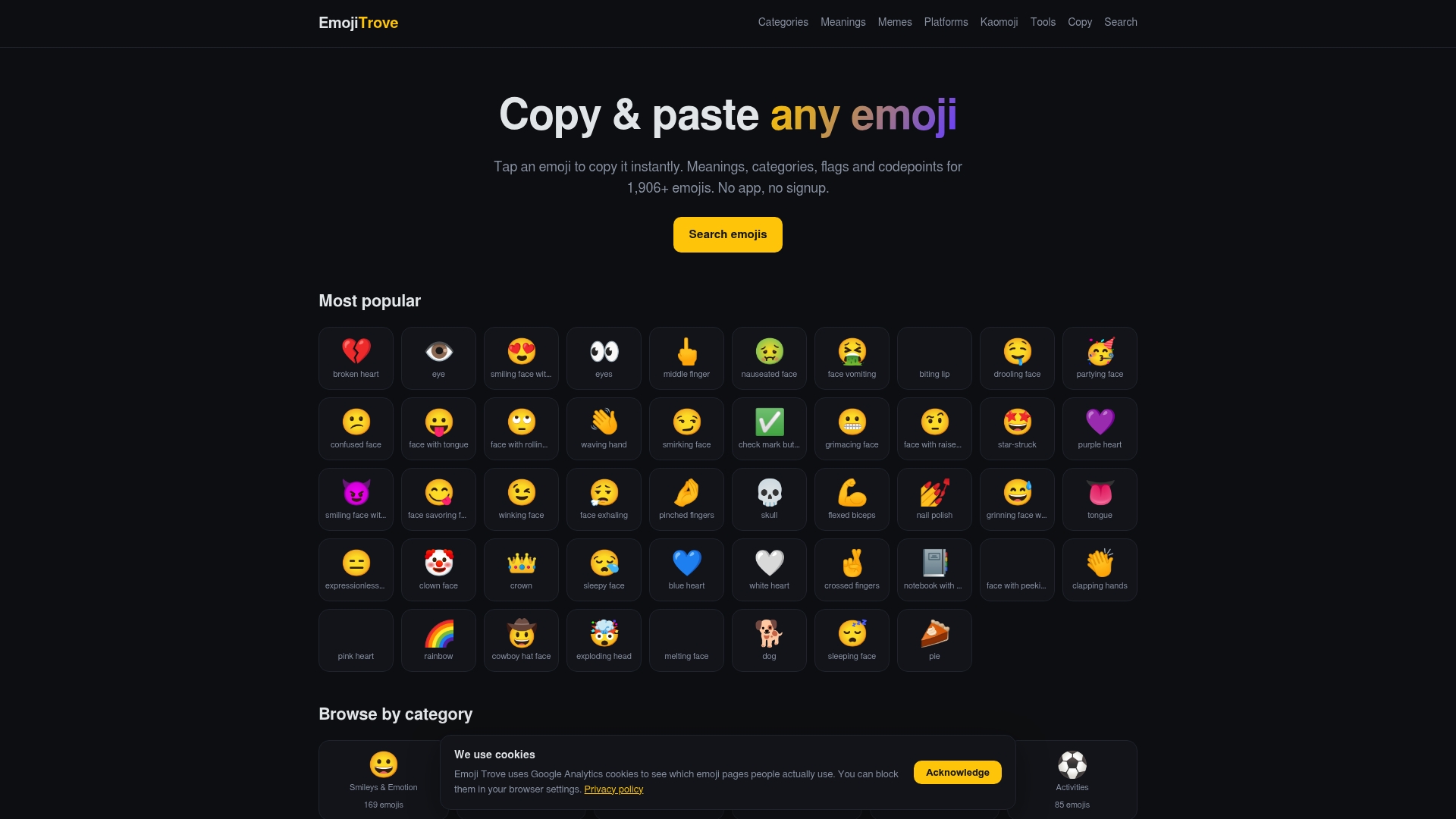
Start on the emoji copy and paste page, or look through our emoji guides for more ideas on using emojis in profiles, bios and messages.
FAQ
Can I put emojis in my username?
Often only in the display name, not the username. Discord and Snapchat both limit usernames to letters, numbers and a few punctuation marks, while their display names accept emojis. Check the help page of the platform you are using, because rules differ and can change.
How many emojis should a username or display name have?
One to three is a good range. Accessibility guidance recommends no more than three emojis in a row because screen readers can read out each one. Place them at the start or end of the name rather than inside a word.
Why does my emoji name show boxes or question marks?
The device or app probably cannot display that character. This happens with very new emojis on older software, and with stylized fonts that are not standard text. Swap in a long-established emoji and keep the letters in a plain font.
Why was my emoji name rejected in a game?
Many games filter emojis and symbols from player names. Bungie’s name policy, for example, prohibits them and replaces unsupported names with a placeholder. Use plain letters for the in-game name and keep the emojis for your Discord or social profile.
Can I use the same emoji name on every platform?
You can reuse the idea, but not always the exact characters. Allowed characters and length limits vary, so keep a clean text handle that works everywhere and add emojis only in fields that accept them.
Sources
- New Usernames & Display Names, Discord Support
- How do I change my Snapchat username?, Snapchat Support
- Bungie Name Guide, Marathon Help
- Emoji Accessibility, Accessibility Toolkit for Open Education, CUNY
- How To Choose Accessible Usernames, Veronica With Four Eyes