Best Summer Emojis to Copy and Paste Right Now
☀️😎🌴☂️🌊🍦🍉🩴🍹 — that’s your fastest route to a summer post that actually looks like summer. Paste any of these straight into a caption, story, or DM and you’re done. Here’s the quick-grab shortlist, then we’ll get into groupings, packs, and platform quirks.
- ☀️ Sun — the default marker for any warm-weather post
- 😎 Sunglasses face — cool, confident captions
- 🌴 Palm tree — beach or tropical vibes
- ⛱️ Beach umbrella — vacation and relaxation posts
- 🌊 Wave — ocean, surf, or “going with the flow” captions
- 🍦 Ice cream — treat posts, food content
- 🍉 Watermelon — summer snack staple
- 🩴 Flip-flop — casual, laid-back tone
- 🍹 Tropical drink — happy hour, poolside content
Grab more combinations instantly from Emoji Trove’s copy tool and skip the scrolling entirely.
Key Takeaways
Themed emoji packs speed up content creation and keep a creator’s visual tone consistent across posts far better than picking emojis one at a time.
| Point | Details |
|---|---|
| Copy-ready shortlist works instantly | Paste ☀️😎🌴☂️🌊🍦🍉🩴🍹 directly into a caption without building a combo from scratch. |
| Group emojis by theme | Weather, beach, food, and travel groupings make picking the right emoji faster and more accurate. |
| Preview before posting | Emoji rendering shifts across iOS, Android, and web, so check appearance before publishing. |
| Keep emoji count reasonable | Stacking more than three or four in a row risks looking cluttered or breaking on smaller screens. |
| Emoji Trove speeds up the whole process | Its searchable library, copy tool, and platform preview pages let creators build and check packs in one place. |
Table of Contents
- Summer Emoji List Grouped by Theme
- Themed Summer Emoji Packs You Can Copy in One Move
- Which Emoji Combos Work Best on Each Platform?
- How Do You Find and Copy Summer Emojis Quickly?
- Why Emojis Look Different on Every Platform (And Why You Should Preview First)
- Accessibility and Etiquette Rules for Heavy Emoji Use
- What Are the Best Apps for Quick Summer Emoji Access?
- Why Themed Emoji Packs Actually Change How Posts Perform
- Copy Your Summer Emoji Pack in Seconds
- Sources
- FAQ
Summer Emoji List Grouped by Theme
A single sun emoji works fine for a quick post, but grouping emojis by theme helps you match the exact mood of what you’re sharing. Break it into categories and picking the right one takes seconds instead of minutes.
Weather and sun: ☀️ 🌞 🌤️ 🔥 🌈 💦 — good for beach-day updates, heat-wave humor, or “finally warm again” posts.
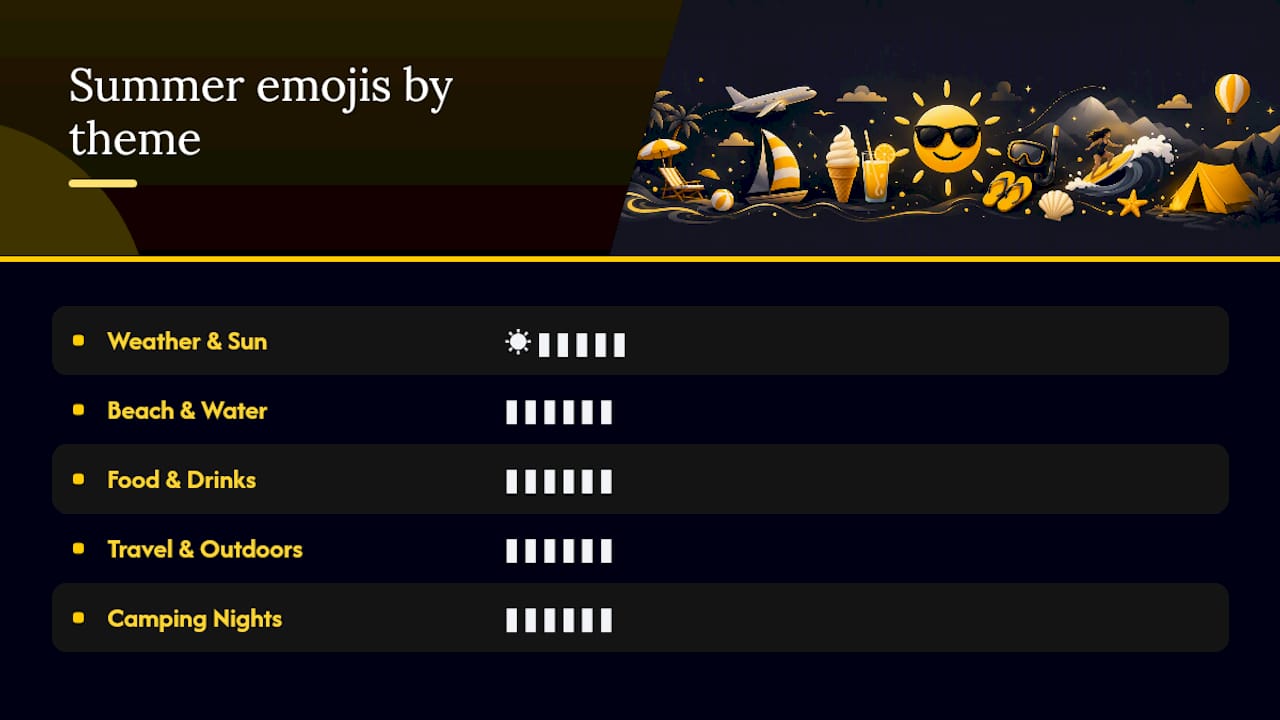
Beach and water: 🌊 🏖️ ⛱️ 🏄 🐚 🤿 — pair these with vacation photos or anything shot near the coast. A wave plus a surfboard (🌊🏄) reads as action; a beach umbrella alone (⛱️) reads as relaxation.
Food and drinks: 🍉 🍦 🍹 🍧 🍓 🌽 — perfect for grilling posts, farmers market hauls, or frozen-treat content. The face savoring food emoji works well right after any food shot to signal “this was good.”

Travel and outdoors: ✈️ 🧳 📸 🗺️ 🚐 🏕️ — use these for trip announcements, packing content, or road-trip recaps.
Camping and outdoor nights: 🔥 🏕️ ⛺ 🌙 🦟 🎸 — bonfire stories, campout recaps, or “unplugged” weekend posts.
One tip that separates amateur posts from polished ones: a single emoji states a fact (“🌊” means water), while a short sequence tells a story (“🌊🏄🔥” reads as “went surfing and it was great”). Save sequences of three or more for captions where you want energy; stick to one or two for cleaner, more scannable text.
Themed Summer Emoji Packs You Can Copy in One Move
Instead of building a combo from scratch every time, grab a pre-assembled pack and adjust it to fit your voice. Each one below is sized for a caption, a story sticker set, or a quick reply.
Beach pack: 🏖️ ☀️ 🌊 🩴 👙 🕶️ 🐚 🦀 🏄 🥥 — built for anything shot on sand, from a solo trip to a group photo dump.
Tropical drinks and snacks pack: 🍹 🍧 🍉 🍍 🥭 🍓 🍦 🌽 🍿 🍒 — works for food reviews, recipe posts, and happy-hour content.
Travel essentials pack: ✈️ 🧳 🗺️ 📸 🛂 🚗 🏨 🕶️ 🎒 🌍 — pairs naturally with itinerary posts or “just landed” updates. Add a flag emoji for the specific country to give the caption a location anchor.
Camping and outdoor nights pack: 🏕️ 🔥 ⛺ 🌙 🦗 🎸 🍫 🥾 🦟 ⭐ — best for late-summer trips, festival weekends, or off-grid content.
Instagram captions do well with the beach or drinks pack up front; TikTok captions tend to favor the camping pack tucked at the end for a cozy sign-off; Twitter/X threads work best with a tighter three-to-four emoji pull from any pack rather than the full ten.
Pro Tip: Swap one emoji in a pack for something brand-specific, like your logo color’s matching heart emoji or a flag tied to your business location, and the pack instantly feels like yours instead of a generic template.
Which Emoji Combos Work Best on Each Platform?
Different platforms reward different emoji habits. What reads as playful on Instagram can look cluttered on Twitter/X, and what works in a story sticker rarely works the same way inline.
Instagram: Captions can handle a longer emoji tail. “Beach day done right 🏖️☀️🍹🐚” places the pack at the end, after the sentence does the work. Stories favor single stickers layered on the image rather than strings of text.
TikTok: Front-load one strong emoji for scroll-stopping power, then let the caption breathe. “🌊 pov: the water was perfect today” reads faster than a caption buried under six emojis.
Twitter/X: Keep it to two or three max. Character limits punish emoji overload, and a tight combo like “🔥🍉 hot one today” reads cleaner than a five-emoji string.
Dos: match emoji tone to caption tone, keep a consistent pack across a campaign so followers recognize your visual voice, and test how a combo looks on mobile before publishing.
Don’ts: don’t stack more than two or three emojis inline mid-sentence (it breaks reading flow), don’t mix unrelated themes (a snowflake next to a beach umbrella confuses more than it charms), and don’t rely on emoji-only captions for anything that needs to be understood at a glance, like event times or locations.
How Do You Find and Copy Summer Emojis Quickly?
The fastest workflow is search, select, copy, paste, and it takes under ten seconds once you know where to look.
- Select the emoji you want from the themed results.
- Paste directly into your caption, story text box, or DM.
On desktop, Windows users can hit Windows key + period to open the native emoji picker; Mac users press Control + Command + Spacebar. On mobile, iOS and Android both include emoji keyboards you can switch to directly from the keyboard row, though searching by keyword is usually faster than scrolling categories on either.
For bulk needs, like assembling a whole themed pack in one pass, Emoji Trove’s tools page includes text symbol generators and translators that help you build out full caption combos instead of copying one emoji at a time.
Why Emojis Look Different on Every Platform (And Why You Should Preview First)
The same emoji code renders as a completely different image depending on whether it’s viewed on iOS, Android, or web. A beach umbrella on one phone might show different shading or a different angle on another, and some Android versions render older emoji styles that lag a design cycle or two behind iOS.
Before you post, run through this quick checklist:
- Preview the caption on at least two platforms if you’re posting cross-platform content.
- Count how many emojis you’re stacking in a row. More than four in sequence often renders as a jumbled block on smaller screens.
- Test copy-paste directly in the app you’re posting to, not just in a notes app, since some apps strip or alter emoji formatting.
- Check how skin-tone modifiers and joined sequences (like a family emoji built from multiple characters) render, since these can break into separate symbols on older systems.
Emoji Trove’s platform pages show side-by-side appearance for iPhone, Android, TikTok, and Discord, which makes previewing far faster than switching devices manually.
Pro Tip: If a complex joined-emoji sequence looks broken or split on any platform, swap it for a simpler single emoji. Wider compatibility beats a fancier combo that half your audience sees as boxes or fragments.
Accessibility and Etiquette Rules for Heavy Emoji Use
Emojis add personality, but they can undercut clarity if you lean on them for anything that actually matters. Use alt text on images when the platform allows it, and never let an emoji-only caption carry information a reader genuinely needs, like a date, price, or address.
A few quick rules worth keeping in mind:
- Add image alt text wherever the platform supports it, especially for graphics carrying text over them.
- Don’t communicate essential details through emoji alone. A calendar emoji is not a substitute for writing the actual date.
- Keep graphic overlays high-contrast so text stays legible against background colors.
- Watch for emoji sequences with more than one plausible meaning; a flame emoji can mean “hot weather” or “this is amazing,” and context should make the intended one obvious.
- Be aware some emojis carry different connotations across regions and generations, so a combo that reads as playful to you might land oddly for a different audience.
- Avoid combos so overused they read as filler rather than expression (the fire emoji stacked three times after every caption stops meaning anything after a while).
What Are the Best Apps for Quick Summer Emoji Access?
Browser-based libraries tend to beat native keyboard search for anyone building content at volume, mainly because you can search by theme instead of hunting through a fixed grid.
A searchable web library like Emoji Trove works well as a browser tab you keep open while drafting captions, since typing “tropical” or “camping” surfaces a themed set instantly rather than making you scroll a phone keyboard’s emoji categories one by one. Pairing that with native OS shortcuts, Windows key + period on Windows, Control + Command + Spacebar on Mac, covers most desktop workflows without installing anything extra.
For creators managing several social accounts, a link-in-bio or content workflow tool can sit alongside your emoji library to speed up the whole posting process. The Creator Tools Directory rounds up utilities that pair well with emoji packs for caption building and scheduling.
If you’re leaning toward text-based accents instead of full-color emoji, Emoji Trove’s text emoticon page covers kaomoji and ASCII-style options, useful for a slightly different visual texture than standard Unicode emoji. And if visual consistency across a feed matters to your brand, it’s worth glancing at broader design trend resources to see how color and iconography choices are shifting, since emoji choices are part of that same visual language.
Why Themed Emoji Packs Actually Change How Posts Perform
Consistency does more for engagement than most creators give it credit for. A feed that uses the same three or four emoji combos across a campaign starts to feel intentional instead of random, and followers pick up on that pattern faster than you’d expect.
The reason themed packs work better than picking emojis one at a time is speed and repeatability. Once you’ve built a beach pack or a camping pack, every future post in that theme takes seconds instead of minutes, and the visual thread across posts stays tight. Emoji Trove’s searchable library and platform-specific pages exist because that repeatable process is exactly what creators need most: fast retrieval, not endless scrolling.
Copy Your Summer Emoji Pack in Seconds
Every pack listed above is ready to copy from Emoji Trove’s copy-and-paste page right now, no app download, no sign-up, just click and paste.
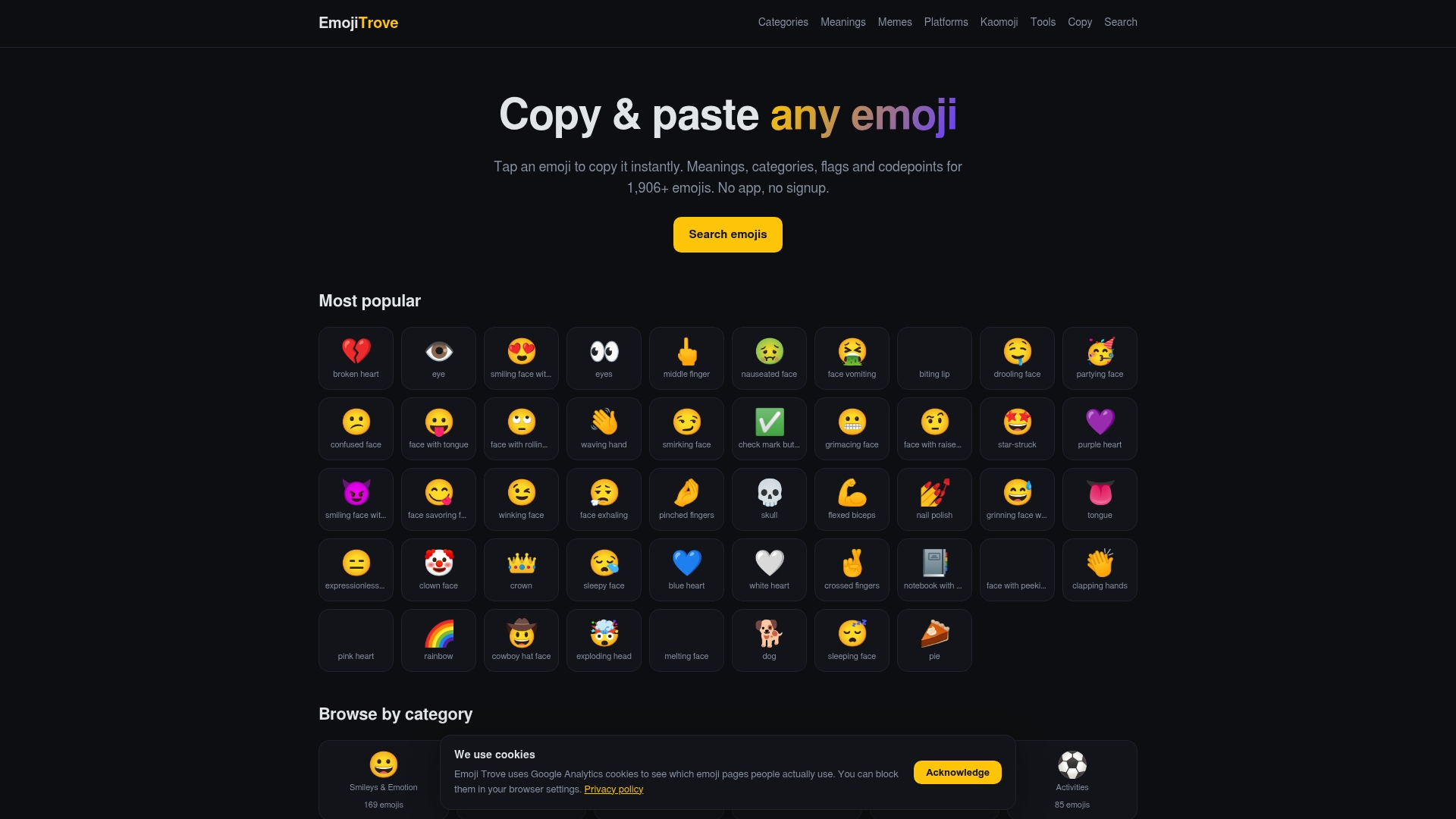
Three things make this the fastest route for summer content: a searchable library that returns themed results instead of a generic emoji grid, a one-click copy tool that skips the manual highlight-and-right-click routine, and platform preview pages so you know exactly how a pack will render before you post it. If you’re building out full captions rather than single emoji, the Emoji Tools page adds text symbol generators and translators to round out the process.
Open the copy page, grab the pack that matches your next post, and paste it straight into your caption. That’s the whole workflow.
Sources
- Summer Emojis for Discord & Slack
FAQ
What are the most useful summer emojis for social media?
☀️, 😎, 🌴, ⛱️, 🌊, 🍦, 🍉, 🩴, and 🍹 cover most warm-weather posts, from beach photos to food content.
How do I copy and paste summer emojis quickly?
Search a theme like “beach” or “tropical” in a searchable library such as Emoji Trove, then use its one-click copy tool to paste directly into your post.
Do emojis look the same on every platform?
No. The same emoji can render differently on iOS, Android, and web, so previewing on Emoji Trove’s platform pages before posting avoids surprises.
How many emojis should I use in one caption?
Two to four works well for most platforms; stacking more than four in a row often looks cluttered, especially on Twitter/X or in inline caption text.
Are there summer emoji packs made for Discord or Slack?
Yes, curated collections exist specifically for those platforms, including custom uploadable sets like the ones on Emoji.