Office Emojis: The Complete Copy-and-Paste Collection

Skip the endless scrolling. Emoji Trove has the fastest, best-organized collection of office emojis for work chat, email, and slide decks. Copy what you need straight from the list below.
Top picks worth bookmarking:
- 💼 Briefcase — job-related news, work in general
- 📁 File Folder / 🗂️ Card Index Dividers — documents, organization
- 📅 Calendar — meetings, deadlines
- 📈 📉 📊 Charts — reporting up, down, or data in general
- 👩💻 Woman/Man Technologist — remote work, coding, “at my desk”
- 🏢 Office Building — the workplace itself
- ☕️ Hot Beverage — breaks, casual check-ins
- 📎 Paperclip — attachments
- 🗑️ Wastebasket — “delete this,” “trash it”
Browse the full categorized emoji library for hundreds more, sorted so you never dig through junk drawers of unrelated symbols to find one folder icon.
TL;DR:
- Using chart emojis like 📈 or 📉 requires pairing them with specific numbers to communicate clear changes or trends.
- Object emojis such as 📎 and 🗂️ should directly reference visible attachments or folders to avoid misinterpretation.
- Platform differences mean emoji appearances vary across iOS, Android, and Windows, necessitating previewing before sending.
- Including even non-facial office emojis can increase perceived responsiveness and warmth in workplace messages.
- The Emoji Trove library offers a categorized, searchable collection of about 1,900 emojis to speed up insertion and improve clarity.
Table of Contents
- Office Emojis by Category: Objects, People, Data, and Tools
- What Office Emojis Actually Mean in a Work Message
- Platform Differences That Change How an Emoji Reads
- How to Copy, Paste, and Insert Office Emojis
- Office Emoji Combos and Templates You Can Reuse
- The Research Behind Emoji Tone at Work
- A Quick Word From Nkosi
- Copy, Preview, and Test Office Emojis in One Place
- Key Takeaways
- Sources
- FAQ
Office Emojis by Category: Objects, People, Data, and Tools
A good office emoji collection is not just a pile of briefcases. It is sorted by what you are actually trying to say, whether that is “I finished the report” or “meeting moved to 3pm.” Here is the working set organized into five categories that cover almost every workplace message.
Work objects
- 💼 Briefcase — general work reference, job news
- 📁 File Folder — documents, project references
- 🗂️ Card Index Dividers — organized systems, categories
- 📋 Clipboard — checklists, task tracking
- 🖇️ Linked Paperclips — grouped attachments
- 📎 Paperclip — a single attachment
- 🗑️ Wastebasket — discard, delete, cancel
People and roles
- 👩💻 Woman Technologist / 👨💻 Man Technologist — coding, remote work, IT
- 🧑💼 Office Worker — general professional identity
- 👔 Necktie — formal business, dress code
- 🤝 Handshake — deals, agreements, partnerships
- 🙋 Person Raising Hand — questions, volunteering for a task
Data and status
- 📈 Chart Increasing — growth, upward trends
- 📉 Chart Decreasing — decline, downward trends
- 📊 Bar Chart — general data, reports
- ✅ Check Mark Button — task complete, approved
- 🔴 Red Circle — urgent, blocked, or live status
- 🟢 Green Circle — available, on track, good to go
Scheduling and location
- 📅 Calendar — meetings, deadlines, dates
- ⏰ Alarm Clock — reminders, time-sensitive items
- 🏢 Office Building — the workplace, HQ
- 📍 Round Pushpin — location, “meet here”
- 🗺️ World Map — remote teams, travel for work
Supplies and tools
- ☕️ Hot Beverage — coffee breaks, informal chat
- 📝 Memo — notes, drafts
- 🖥️ Desktop Computer — hardware, tech setup
- 📧 E-Mail — messages, correspondence
- 🖊️ Pen — signatures, writing tasks
That is roughly two dozen emojis covering the situations that come up daily in a Slack channel, an email signature line, or a project status update. For the full set with search and instant copy, the Emoji Trove library beats scrolling your phone’s built-in picker.
What Office Emojis Actually Mean in a Work Message
Chart emojis get misread more than almost any other office symbol, so pair them with numbers. “Q3 revenue is up 📈” reads clearly. “Things are looking 📈” does not, because the reader has no idea what metric you mean.
- Chart emojis need context. 📈 signals growth, 📉 signals decline, and 📊 is neutral shorthand for “here is data.” Write “Sign-ups are down 12% this week 📉” instead of a bare emoji with no anchor.
- Object emojis work best tied to something visible. 📎 should mean an actual attachment is included. 🗂️ should point to an actual folder or system. Send 🗑️ alone and a colleague might read “delete this” as “this project is dead” instead of “clear your inbox.” Add a phrase: “Archiving the old draft 🗑️.”
- People and role emojis signal tone, not literal identity. 👩💻 next to “heads down until 2pm” reads as friendly shorthand for focus time. 👔 in a casual Slack thread can feel oddly formal, so save it for genuinely buttoned-up contexts.
A few examples that hold up in real inboxes: “Report’s ready 📊 — see the attached summary.” “Meeting moved to 3pm 📅, same link.” “Nice work closing that deal 🤝.”
Platform Differences That Change How an Emoji Reads
Emoji artwork is not standardized across companies, and that gap matters more in office contexts than people expect. Apple, Google, and Microsoft each draw their own glyphs, and interpretation also shifts by age and cultural background, with younger users generally reading emoji meaning more consistently than older ones.
- 🏢 Office Building looks noticeably different across iOS, Android, and Windows, sometimes tall and gray, sometimes squat and colorful.
- ☕️ Hot Beverage varies from a plain white cup to a to-go cup with a lid, which can shift the “coffee break” versus “grab and go” implication.
- Face emojis carrying sarcasm or subtle expressions (😬, 🙃) render with enough visual variation to change tone entirely on an unfamiliar device.
When you are not sure how a symbol will land, default to simple faces or pair the emoji with a plain-text clarifier. Preview how specific glyphs render across devices on the Emojis by Platform page before sending anything to a client.
How to Copy, Paste, and Insert Office Emojis
Getting an emoji into a document or chat window takes seconds once you know the shortcut for your setup.
- Windows: Press
Win + .(period) orWin + ;to open the built-in emoji picker in any text field, including Word and Outlook. - macOS: Press
Control + Command + Spaceto open the emoji viewer, searchable by keyword. - Mobile keyboards: Tap the emoji or smiley icon on the iOS or Android keyboard, or search by name.
- Copy from Emoji Trove: Browse the copy and paste page, click any emoji to copy it instantly, then paste with
Ctrl+VorCmd+Vwherever you need it. - Microsoft Office specifics: In Word, PowerPoint, and Outlook, go to Insert > Symbols > Emoji, or use the same OS-level shortcut directly inside the document. Screen readers announce emoji by name, so avoid stacking several in a row where meaning depends on visual context alone.
Pro Tip: Send yourself a test message before a client-facing email. Rendering can shift between your screen and theirs, and a chart emoji that looks celebratory on your device might look ambiguous on someone else’s.
Office Emoji Combos and Templates You Can Reuse
Pairing an object emoji with a face or status symbol removes most of the ambiguity a single emoji carries alone.
- Meeting reminder: “Don’t forget 📅 3pm sync!”
- Status update: “🟢 On track, no blockers.”
- Task complete: “✅ Report submitted 📊”
- Quick thanks: “Appreciate the quick turnaround 🙌”
- Delivery confirmed: “Package arrived 📦✅”
- Celebration: “We hit the goal! 🎉📈”
Keep the text short and let the emoji reinforce it, not replace it entirely.
The Research Behind Emoji Tone at Work
Emoji choice is not just decoration. A 2023 study in the Journal of Nonverbal Behavior found that positive emojis make otherwise neutral text read as more positive, and negative emojis push the same neutral text toward reading as more negative. Neutral emojis barely move the needle either way.
“The presence of emoji, whether it depicts a face or a non-face object, was associated with significantly higher perceived responsiveness,” according to a 2025 PLOS One study that tested 260 participants and found a statistically significant effect on how responsive and warm a message felt.
That second finding matters for office chat specifically: even a briefcase or a checkmark, not just a smiley, can make a quick reply feel warmer than plain text alone. When clarity is the priority, pair the emoji with a plain sentence and lean toward positive or neutral symbols over anything that could read as sarcastic or dismissive.
A Quick Word From Nkosi
Test your emoji picks before sending, especially with new teams or clients. What reads friendly to you might read casual or unclear to someone else. The Emoji Trove library makes that testing painless.
— Nkosi
Copy, Preview, and Test Office Emojis in One Place
Scrolling through your phone’s built-in picker means settling for whatever categories Apple or Google decided to group together. Emoji Trove skips that limitation entirely: a searchable library of roughly 1,900 emojis organized by theme, so finding the right briefcase, chart, or clock takes seconds instead of scrolling.
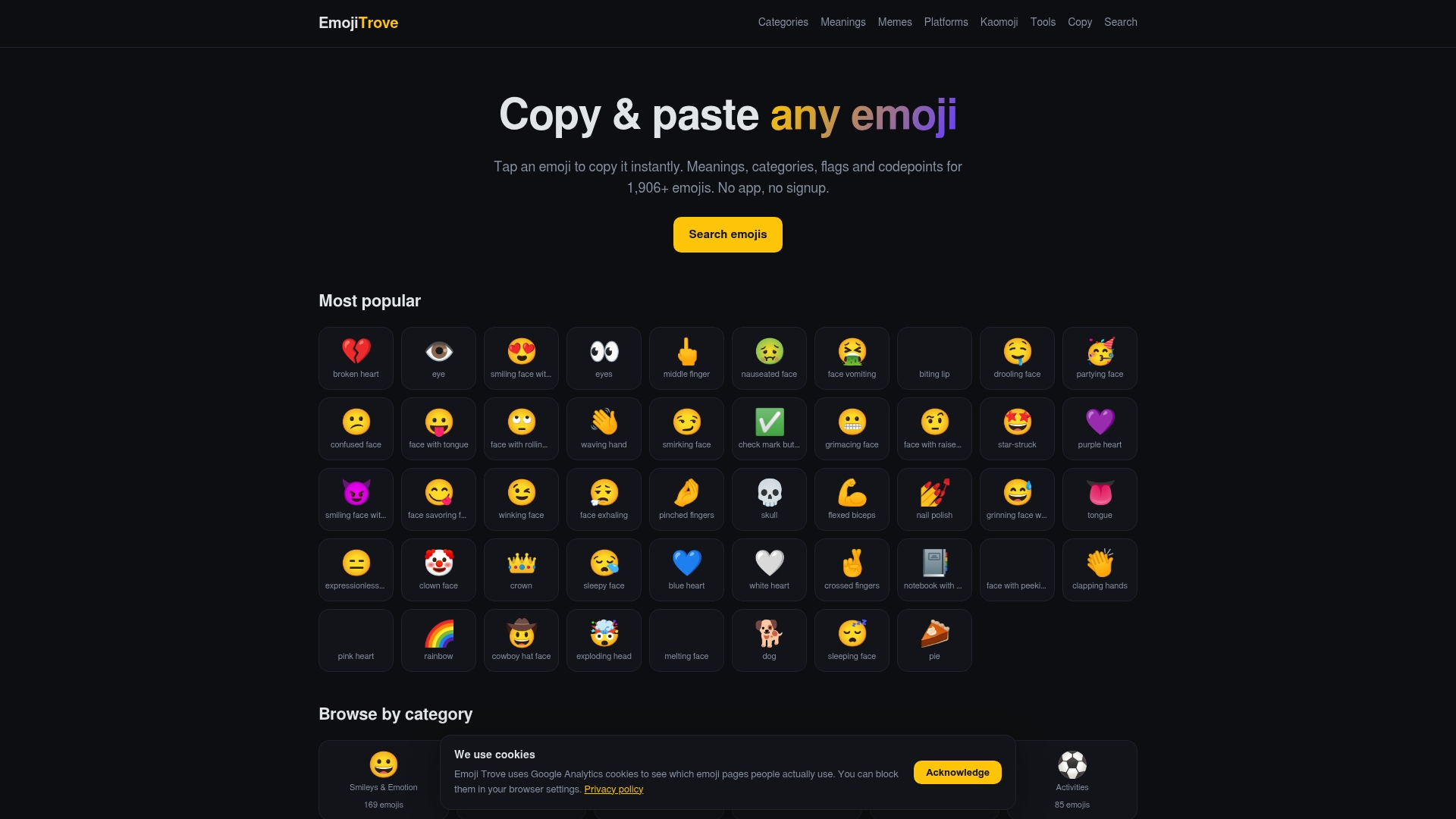
The platform preview pages let you check how an emoji renders on iOS, Android, and Windows before you send it, which matters after seeing how much artwork can shift between devices. The emoji tools page adds text symbols and conversion tools for when a plain emoji is not quite enough. Need meanings spelled out for a specific glyph before you use it in a client email? The emoji meaning guide covers that too. Start with the copy and paste collection, grab the office emojis you need, and paste them straight into your next email, slide, or status update.
Key Takeaways
Office emojis work best when paired with clear text, matched to the right platform, and pulled from a searchable, categorized source instead of a generic keyboard picker.
| Point | Details |
|---|---|
| Pair charts with numbers | Use 📈 📉 📊 alongside a specific figure or percentage, never as a standalone claim. |
| Anchor object emojis to reality | 📎 🗂️ 🗑️ should reference something visible, like an actual attachment or folder. |
| Check platform rendering first | Glyphs like 🏢 and ☕️ vary across iOS, Android, and Windows, so preview before sending. |
| Emoji presence boosts warmth | Even non-face emojis raise perceived responsiveness in messages, per PLOS One research. |
| Use Emoji Trove for speed | Copy office emojis instantly from a categorized, searchable library instead of a phone picker. |
FAQ
How do I get emojis in Microsoft Office?
Use Win + . on Windows or Control + Command + Space on macOS to open the system emoji picker directly inside Word, Outlook, or PowerPoint, or go to Insert > Symbols > Emoji.
What does 🏢 mean?
🏢 represents an office building, commonly used to reference a workplace, headquarters, or “back at the office” status.
What does 💸 mean?
💸 shows money with wings and typically signals money being spent, lost, or moving quickly, often used for expenses or a budget shrinking fast.
What does 📧 mean?
📧 is the e-mail symbol, used to reference sending, receiving, or checking email in a message.
Is it okay to use emojis in professional email?
Simple, positive emojis like ✅ or 📎 are generally safe for internal or familiar-client communication, but research shows valence matters: a negative emoji can make neutral text read more harshly, so choose carefully in sensitive messages.