The Money Emojis Worth Copying Right Now

The eight money emojis people actually use are 💰 💸 🤑 💵 💳 🪙 💱 🧾, and each one carries a distinct signal you can drop into a text in half a second. 💰 says “wealth” in general. 💸 says money is flying out the door. 🤑 shows greedy excitement or a joking brag. 💵 points to cash specifically. 💳 flags a card payment. 🪙 works for coins, crypto, or small change. 💱 marks currency conversion. 🧾 covers receipts, invoices, or “here’s proof I paid.”
- 💰 — general wealth, savings, a big win
- 💸 — spending, losing money, a costly mistake
- 🤑 — excitement, greed, joking about riches
- 💵 — cash, physical dollars, a straightforward payment
- 💳 — card payments, swiping, subscriptions
- 🪙 — coins, spare change, crypto references
- 💱 — currency exchange, converting money abroad
- 🧾 — receipts, bills, invoices, proof of purchase
Tap or long-press any glyph above to copy it, or grab platform-ready versions plus dozens of variants from Emoji Trove’s copy tool and the official Unicode emoji charts.
Key Takeaways
Money emojis work best when the glyph matches the specific intent, whether that’s wealth, spending, excitement, or currency exchange, rather than being chosen for looks alone.
| Point | Details |
|---|---|
| Core eight cover most needs | 💰 💸 🤑 💵 💳 🪙 💱 🧾 handle wealth, spending, excitement, cash, cards, coins, exchange, and receipts. |
| Currency symbols aren’t emoji | Text characters like $, €, and ₹ are separate Unicode entities from color pictographs like 💰. |
| Rendering varies by platform | The same emoji, especially newer ones like 🪙, can look different or fail to render on older systems. |
| Tone matters more than glyph count | Two or three well-chosen emoji communicate better than a cluster of five in professional posts. |
| Emoji Trove speeds up the process | Its searchable library and one-click copy tool let you find and paste the right money emoji without guesswork. |
Table of Contents
- The Full List of Money Emojis to Copy and Paste
- What Each Money Emoji Actually Means
- Currency Symbols vs. Money Emoji: What’s the Difference
- How to Copy and Paste Money Emojis Anywhere
- Money Emoji Combos and Caption Ideas
- Find, Copy, and Learn Money Emoji Faster With Emoji Trove
- Sources
- FAQ
The Full List of Money Emojis to Copy and Paste
Scanning a giant emoji keyboard for the one you want wastes time. Grouping them by type cuts that search down to seconds.
Currency notes and coins
- 💵 Dollar Banknote — a single green bill, the go-to for “cash” in any context.
- 💴 Yen Banknote — represents Japanese currency or “money” more broadly in some contexts.
- 💶 Euro Banknote — used for European currency references or general wealth.
- 💷 Pound Banknote — British currency, also used loosely for “money” in UK-flavored posts.
- 🪙 Coin — added to Unicode’s emoji set for coins, loose change, and increasingly, cryptocurrency.
- 💲 Heavy Dollar Sign — the bold emoji-style dollar sign, distinct from the plain text character.
Money objects
- 💰 Money Bag — a sack of cash, the emoji equivalent of “we made it.”
- 💸 Money With Wings — dollar bills sprouting wings, flying away.
- 🧾 Receipt — a printed slip, used for bills, invoices, and “check this out” moments.
- 🏧 ATM Sign — points to a cash machine or withdrawing money.
Money faces and reactions
- 🤑 Money-Mouth Face — dollar-sign eyes and tongue, greed or joking excitement. See the full money-mouth face entry for more usage examples.
- 🤴 / 👑 — occasionally paired with money emojis to imply luxury, though neither is a money emoji on its own.
Payment methods
- 💳 Credit Card — the universal symbol for card payments, swiping, or subscriptions.
- 📱💳 — phone plus card, shorthand for mobile or tap-to-pay.
Currency exchange and other symbols
- 💱 Currency Exchange — two arrows swapping currency symbols, used for foreign exchange, travel money, or crypto trading.
- 💹 Chart Increasing With Yen — a rising chart paired with the yen sign, often used for stock market gains regardless of the currency involved.
Beyond pictograph emoji, plain text currency characters exist too: $ (dollar), € (euro), £ (pound), ¥ (yen), ₹ (rupee), and ₿ (a widely used bitcoin symbol, though not yet part of the official Unicode currency block). These are separate Unicode characters, not emoji, and the Unicode Currency Symbols block documents dozens more beyond the common ones, including symbols for currencies you may never have typed before.
Quick navigation tip: on desktop, use Ctrl+F (or Cmd+F on Mac) to search a page like this one for “💰” or the emoji’s name. On the Unicode full emoji list, search by CLDR short name (e.g., “money bag”) rather than trying to type the glyph itself into the browser’s find bar.
What Each Money Emoji Actually Means
Picking the wrong money emoji can flip a message’s tone without you realizing it. Here’s what the core eight communicate, in plain terms.
- 💰 Money Bag — pure wealth or savings, no attitude attached. “Finally hit my savings goal 💰.”
- 💸 Money With Wings — cash leaving fast, usually with a wince. “Rent week 💸💸.”
- 🤑 Money-Mouth Face — greedy delight, often self-aware and joking. “Payday hits different 🤑.”
- 💵 Dollar Banknote — literal cash, no extra emotion. “Paid in 💵, no fees.”
- 💳 Credit Card — a card transaction, sometimes with a hint of overspending. “My card after Black Friday 💳😬.”
- 🪙 Coin — small amounts, spare change, or crypto shorthand. “Started stacking 🪙 for retirement.”
- 💱 Currency Exchange — converting money, usually travel or trading related. “Landed in Tokyo, hitting the 💱 booth first.”
- 🧾 Receipt — proof of a purchase or a bill worth mentioning. “The 🧾 for this trip is scary.”
Context changes everything. 💸 in a caption about a bonus reads as playful (“treated myself 💸”), but the same emoji next to a friend’s medical bill can land as flippant. 🤑 works great for a joking brag about a windfall, but it can feel tone-deaf if someone is venting about financial stress rather than celebrating it.
Pro Tip: Before sending a money emoji in a work or customer-facing message, ask whether the tone reads as playful anywhere it could also read as mocking. 💰 and 🧾 are safe in almost any context. 🤑 and 💸 carry more personality and work best with friends or in casual social posts, not invoices or client emails.
Currency Symbols vs. Money Emoji: What’s the Difference
Text currency characters and money emoji are not the same kind of Unicode entity, and mixing them up causes real rendering problems. Characters like $, €, and ₹ live in the Unicode Currency Symbols block as plain text glyphs. They render in whatever font the surrounding text uses, with no color and no platform variation.
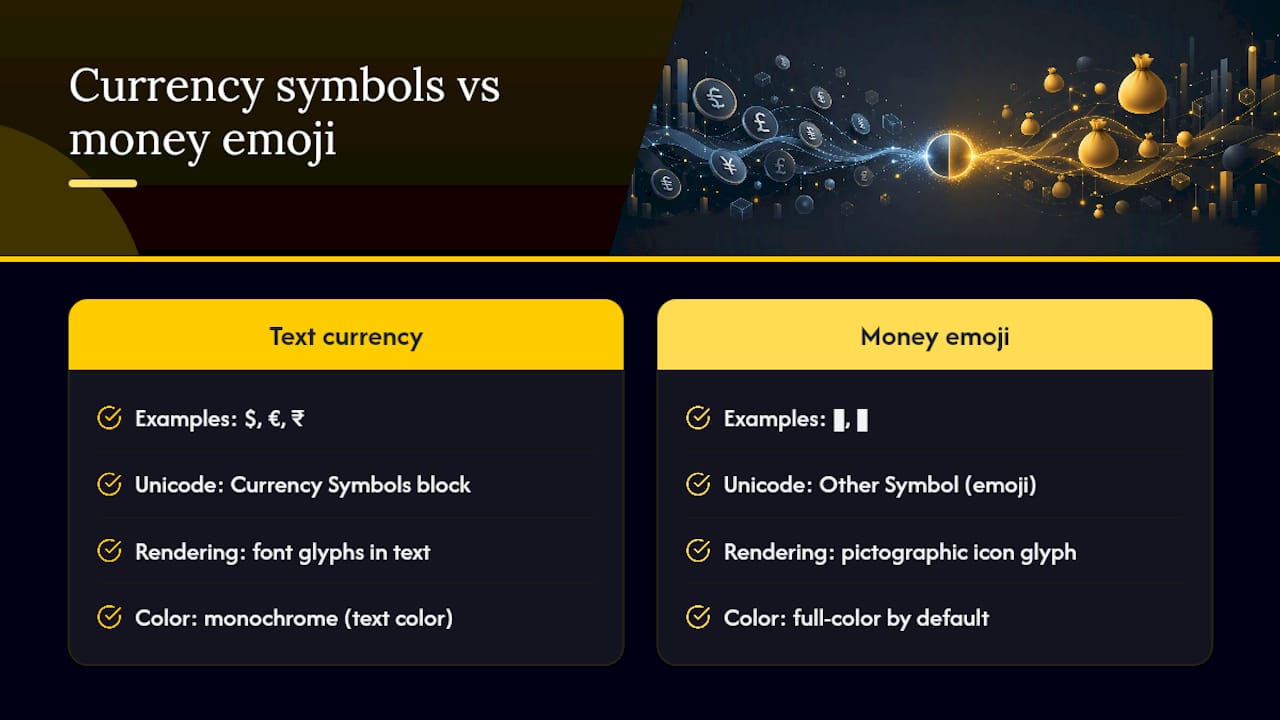
Money emoji like 💰 or 💱 are pictographs. Modern phones and apps render them as full-color icons, and the exact art style shifts by platform, meaning 💱 on an iPhone looks noticeably different from 💱 on Android or Discord. The official emoji charts list 💱 under the category “Other Symbol,” and it carries the CLDR short name “currency exchange.”
One technical detail worth knowing: appending the variation selector U+FE0E after certain emoji codepoints can request plain text style presentation instead of the full-color glyph, though support varies by platform and system. This matters if you’re building something that needs monochrome or text-consistent output rather than colorful icons.
How to Copy and Paste Money Emojis Anywhere
Getting the right glyph into a text field takes a different move depending on your device.
- On Windows: press Win+. (period) to open the built-in emoji picker, then search “money” or scroll to the Objects category.
- On macOS: press Control+Command+Space to bring up the character viewer, then type “money” in the search box.
- On iOS or Android: long-press an emoji on any page (including this one) to copy it, or open your keyboard’s emoji tab and search “money” or “currency.”
- In apps like Instagram, WhatsApp, or TikTok: use the app’s built-in emoji keyboard, or copy from Emoji Trove’s copy tool and paste directly into the caption or message field. Rendering can still vary by app, so check the platform-specific emoji guide if something looks off.
- If an emoji shows as a blank box or a “?” symbol, your device’s font doesn’t support that character yet. Update your OS, or substitute a more universally supported emoji like 💰 or 💵 instead.
Pro Tip: When copying for a professional platform like LinkedIn, test the emoji in a draft first. Some money emoji, especially newer ones like 🪙, render fine on phones but show as fallback boxes on older desktop browsers.
Money Emoji Combos and Caption Ideas
Pairing two or three money emoji together often communicates faster than a sentence. A few combinations that consistently work:
- Celebrating a bonus or raise: “Payday just hit different 💰🤑” or “New job, new money 💵🎉”
- Joking about overspending: “My bank account after the sale 💸😭” or “Rent week strikes again 💳💀”
- Requesting payment: “Venmo me when you can 💵🧾” or “Split the bill? 🧾💳”
- Selling an item: “DM for price 💰📦” or “Cash or card, your call 💵💳”
- Promoting a sale or fundraiser: “Flash sale ends tonight 💸⏰” or “Every dollar helps 🪙❤️”
For more caption structures and expressive emoji pairings, this guide on making budgeting genuinely fun shows how money-related shorthand shows up naturally in everyday social captions, not just financial content.
One caution: a professional post with five stacked money emoji reads as noise, not personality. Two or three, placed deliberately, land better than a wall of glyphs. If you’re posting publicly, add a short plain-text equivalent (e.g., “money bag emoji” in alt text) so screen readers can convey the same meaning to readers who rely on them.
Find, Copy, and Learn Money Emoji Faster With Emoji Trove
Scrolling through a phone’s default emoji keyboard to find the right money glyph, then guessing at what it actually means, wastes time you don’t need to spend. Emoji Trove’s searchable library covers over 1,900 emojis by theme, with a single click to copy and dedicated entries that explain each one’s meaning and common uses.
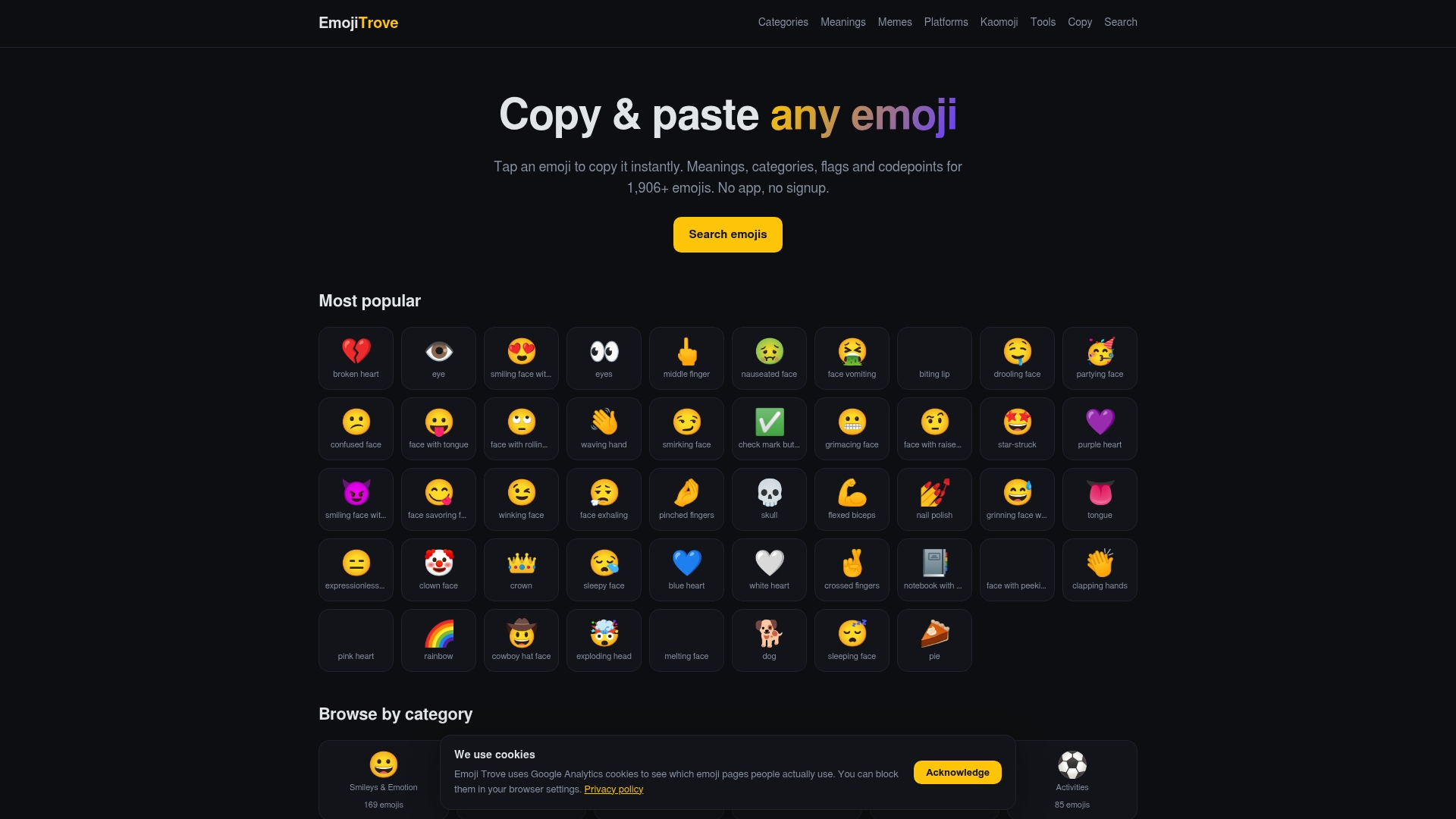
The copy and paste tool is the fastest route if you already know which emoji you want. If you’re still deciding on tone, the money-mouth face entry shows exactly how 🤑 reads in different contexts, complete with a one-click copy button. For anyone building out repeated content, like caption templates or a meme series, the emoji tools page includes a text symbol translator and platform previews so you can check how a glyph renders before you post it. Start with whichever money emoji you need right now, copy it, and paste it straight into your next message or caption.
A note on curation and accessibility
Building emoji entries means paying attention to how a glyph reads across cultures and platforms, not just what it looks like on one phone. Choose emoji with the audience’s context in mind, and always pair public posts with plain text alternatives for readers using screen readers.
Sources
FAQ
What does 💸 mean?
💸 (Money With Wings) shows dollar bills flying away, used when money is spent quickly, lost, or leaving your account faster than expected.

What does 💱 mean?
💱 (Currency Exchange) represents converting one currency into another, commonly used for travel, foreign exchange, or trading contexts, and it’s officially classified as an “Other Symbol” in the Unicode emoji charts.
What does 🤑 mean?
🤑 (Money-Mouth Face) shows a face with dollar-sign eyes and a tongue sticking out, signaling greed, excitement about money, or a joking brag. See the full money-mouth face meaning for more caption examples.
What emoji is 💰?
💰 is the Money Bag emoji, a sack marked with a dollar sign, generally used to represent wealth, savings, or a financial win.
Can I use money emoji in professional messages?
Yes, but stick to neutral ones like 💰, 💳, or 🧾. Emoji with more personality, like 🤑 or 💸, fit casual or social contexts better than client emails or invoices.