The Best Cute Kaomoji to Copy and Paste Right Now
Here are the top cute kaomoji ready to copy right now — no scrolling, no searching, just grab one and go.
- (◕‿◕) — classic soft smile, works anywhere
- (✿◠‿◠) — flower-framed, perfect for a warm sign-off
- (。♥‿♥。) — heart eyes, great for flirty or affectionate texts
- (⁄ ⁄•⁄ω⁄•⁄ ⁄) — blushing shy face, ideal for embarrassed reactions
- ʕ•ᴥ•ʔ — bear face, the go-to animal cutie
- (っ◔◡◔)っ — reaching out, use it when offering something sweet
- ✿(。◕‿◕。)✿ — fully decorated, great for captions or bios
- (。•́‿•̀。) — tiny soft smile, low-key cute for quick replies
Copy these first. The two most universally loved:
(✿◠‿◠)for a warm send-off andʕ•ᴥ•ʔwhen you want something animal-cute without any setup.
These are Japanese-style text emoticons, formally called kaomoji (顔文字, literally “face characters”). Unlike Western emoticons tilted sideways, kaomoji read upright and use a mix of standard punctuation, Unicode symbols, and decorative dingbats to build expressions. The cute subcategory, often called kawaii kaomoji, leans on soft eyes (◕, 。), gentle mouth shapes (‿, ω), and framing flowers or sparkles to create that delicate, warm look.
Key Takeaways
Cute kaomoji are tone markers as much as reactions — placing one at the end of a message changes how the whole line reads, not just the final word.
| Point | Details |
|---|---|
| Copy these first | (✿◠‿◠) and ʕ•ᴥ•ʔ are the most universally readable cute kaomoji to start with. |
| Match mood to category | Tiny faces soften tone mid-sentence; full-face decorated ones work best as sign-offs or standalone replies. |
| Test before posting | Paste any custom kaomoji into at least two apps to confirm it renders before using it publicly. |
| Build with safe symbols | Use U+25D5 (◕), — (‿), U+273F (✿), and U+03C9 (ω) — all standard Unicode with broad compatibility. |
| Use Emojitrove | Emojitrove’s searchable library covers over 1,900 emojis with one-click copy and platform tips. |
Table of Contents
- Cute kaomoji organized by mood and usage
- How to copy and paste kaomoji on any device
- How to build your own cute kaomoji
- Where to find more cute kaomoji fast
- An editor’s note on picking the right cute face
- Emojitrove makes finding and copying kaomoji fast
- Sources
- FAQ
Cute kaomoji organized by mood and usage
Cute kaomoji fall into a few natural clusters. Knowing which cluster fits your message saves you from accidentally sending a “happy” face when you wanted “shy” — they look similar but land differently.
| Category | Examples | Best used for |
|---|---|---|
| Happy / cheerful | (^▽^) (◠‿◠) | Reactions, good news, greetings |
| Blushing / shy | (⁄ ⁄•⁄ω⁄•⁄ ⁄) (〃▽〃) | Compliment replies, embarrassed moments |
| Love / hearts | (。♥‿♥。) (♡°▽°♡) | Flirty texts, affectionate sign-offs |
| Animals / bunny | ʕ•ᴥ•ʔ (=^・ω・^=) | Playful posts, pet content, casual chats |
| Tiny / minimal | (◡‿◡) 。◕‿◕。 | Quick replies, low-key softeners |
| Pouty / cute-angry | (。•́︿•̀。) (╥_╥) | Light complaints, mock frustration |
The difference between “cute” and “happy” is subtler than it looks. Happy kaomoji (like those in the happy collection) tend to use wide-open eyes and big grins. Cute ones pull back slightly — softer eyes, smaller mouths, often a ω or ‿ instead of a full ▽. The result reads as gentle rather than excited. Tiny or minimal kaomoji (。◕‿◕。) work as tone softeners mid-sentence, while full-face ones (✿◠‿◠) carry more visual weight and suit sign-offs or standalone posts.
For love and heart kaomoji, the ♥ and ♡ symbols do most of the emotional lifting. Pairing them with soft eyes rather than sharp ones keeps the tone warm instead of intense.
Pro Tip: Add ✿, ✧, or ・ around any kaomoji to push it further into kawaii territory. (◕‿◕) is cute; ✿(◕‿◕)✿ is unmistakably soft and decorative. According to Messletters, dingbats like ✿ (U+273F) and sparkle-style symbols are among the most common framing tools in cute kaomoji design.
How to copy and paste kaomoji on any device
The fastest method on any platform: highlight the kaomoji, copy it, paste it. But a few platform quirks are worth knowing before you hit send.
Desktop (Windows or Mac)
- Click at the start of the kaomoji text.
- Drag to select the full face, including any framing symbols.
- Press Ctrl+C (Windows) or Cmd+C (Mac).
- Click your text field and press Ctrl+V or Cmd+V.
iPhone
- Tap and hold the kaomoji until the selection handles appear.
- Drag the handles to cover the full face.
- Tap “Copy.”
- Tap your message field, hold, and tap “Paste.”
Android
- Long-press the kaomoji text.
- Adjust selection handles to include all characters.
- Tap “Copy” from the popup menu.
- Open your app, long-press the text field, and tap “Paste.”
A few apps will quietly break your kaomoji. Instagram captions sometimes collapse the spacing inside faces like (⁄ ⁄•⁄ω⁄•⁄ ⁄), making them unreadable. Discord handles most Unicode well, but older SMS apps on Android may strip full-width characters entirely. If a kaomoji looks fine on your screen but garbled in preview, swap it for a simpler one built from standard punctuation.
Combining diacritics (the kind used in Zalgo-style text) are the biggest compatibility risk. They stack marks above and below characters and will misrender in many messaging apps and some mobile clients. Stick to standard Unicode symbols for anything you plan to post publicly. Similarly, text-style generators that apply small-caps or wide formatting can shift spacing around a kaomoji, so always preview before posting.
Check platform-specific rendering notes on Emojitrove if you’re unsure how a kaomoji will display on TikTok, Discord, or iMessage.
Pro Tip: When pasting into an Instagram bio or caption, type a placeholder word first, paste the kaomoji next to it, then delete the placeholder. This prevents the app from auto-collapsing leading spaces inside the face.
How to build your own cute kaomoji
The basic recipe is four parts: left frame + left eye + mouth + right eye + right frame. Swap one element and the whole expression shifts.
Start with this template: ( [eye] [mouth] [eye] )
(◕‿◕)— round eyes, curved mouth: classic cute(•ω•)— bullet eyes, ω mouth: soft and cat-like(。•́‿•̀。)— tiny dot eyes, asymmetric curve: gentle and a little wistful✿(◠‿◠)✿— add flowers as outer frame: immediately kawaii(⁄ ⁄◕⁄ω⁄◕⁄ ⁄)— slash framing: blushing effect
The table below covers the most useful building-block symbols. All are standard Unicode, so they render reliably across modern apps.
These building blocks come from the same character set documented at messletters.nl, where dingbats and small punctuation form the foundation of kawaii-style text faces.
Before using a custom kaomoji publicly, paste it into at least two different apps (try iMessage and a web browser text field). Flip tools let you mirror individual characters quickly, which is a low-risk way to test whether a swapped symbol still renders cleanly without adding combining marks.
Pro Tip: Keep a personal “tested” list in your phone’s notes app. Once you confirm a kaomoji renders correctly on your main platforms, save it there for instant reuse.
Where to find more cute kaomoji fast
Emojitrove’s kaomoji library gives you a searchable, themed collection with instant copy-to-clipboard on every face. No highlighting, no dragging — one tap and it’s on your clipboard.
What the library covers:
- Themed collections organized by mood (cute, happy, love, animals, angry, sad, and more)
- Over 1,900 emojis and kaomoji across the entire site
- Unicode details for each character so you know exactly what you’re copying
- Platform-specific tips for iMessage, Discord, TikTok, and others
- Emoji tools including text generators and translators at Emojitrove
The workflow is straightforward: search a mood or keyword, find the face you want, click the copy button, and paste. No account needed.
Why breadth matters: A library with over 1,900 entries means you’re rarely stuck with the same three faces everyone else uses. Emojitrove’s themed organization makes it fast to find something that fits the exact tone of your message rather than settling for close enough.
An editor’s note on picking the right cute face
The kaomoji I reach for most is (✿◠‿◠) — it closes a message warmly without the exclamation-point energy of a big grin. For quick mid-sentence softeners, a tiny face like 。◕‿◕。 does the job without pulling focus.
The real choice is between tiny and full-face. Tiny kaomoji blend into text and soften tone without stopping the reader. Full-face ones with decorative framing are statements on their own — they work best at the end of a post or as a standalone reply, not buried mid-paragraph.
Emojitrove makes finding and copying kaomoji fast
Searching for the right text face shouldn’t take longer than sending the message. Emojitrove’s copy-and-paste emoji hub puts over 1,900 emojis and a full kaomoji library one search away, with copy-to-clipboard built into every entry. No fiddling with character maps or highlight-and-drag on mobile.
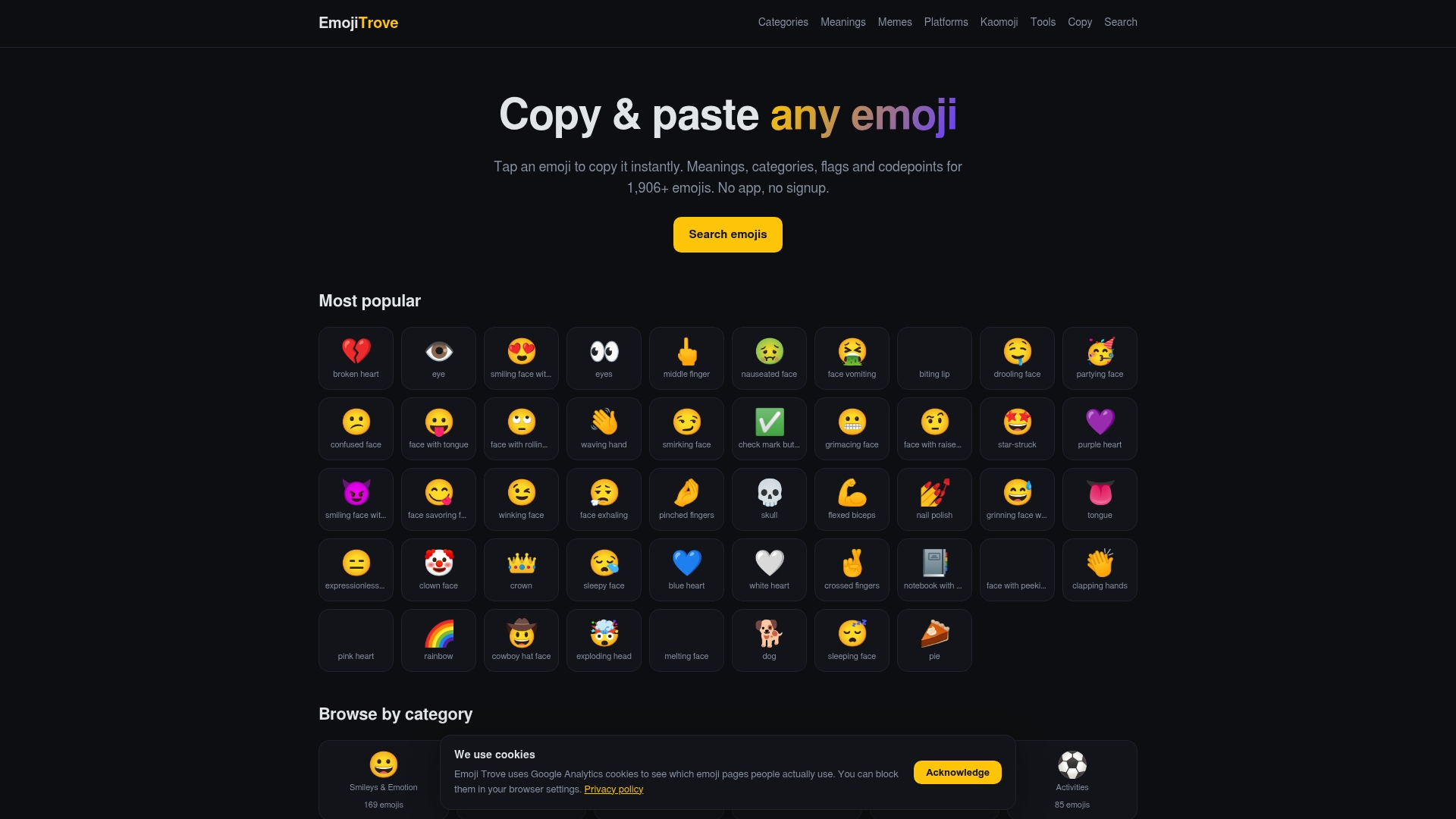
The platform covers platform-specific rendering notes for iMessage, Discord, TikTok, and more, so you’re not guessing whether a face will survive the paste. Search a mood, copy the face, and move on.
Sources
FAQ
What are cute kaomoji?
Cute kaomoji are Japanese-style text emoticons that read upright and use Unicode symbols, punctuation, and decorative dingbats to create soft, kawaii-style facial expressions. They differ from Western emoticons, which are read sideways.
Why do some kaomoji break when I paste them?
Apps that strip full-width characters or collapse spacing will distort kaomoji. Combining diacritics (Zalgo-style marks) are the highest-risk elements — test any custom face in at least two apps before posting publicly.
What’s the difference between cute and happy kaomoji?
Happy kaomoji use wide eyes and large grins; cute ones use softer eyes (◕, 。) and smaller mouth shapes (‿, ω) for a gentler, more delicate look. The happy collection and cute collection show the contrast clearly.
How do I make my own cute kaomoji?
Start with the template ( [eye] [mouth] [eye] ) and swap in symbols from the Unicode building-block set: ◕ (U+25D5) for soft eyes, ω (U+03C9) for a cat mouth, and ✿ (U+273F) as a flower frame. Stick to standard Unicode to keep compatibility high.
Where can I find more cute kaomoji to copy?
Emojitrove’s cute kaomoji collection offers themed, copy-ready faces with one-click clipboard copy and platform-specific rendering notes for iMessage, Discord, TikTok, and more.